
If you’re an affiliate marketer, then a VPN is a must-have tool in your arsenal.
We can guarantee you that the most successful affiliates subscribe to at least one VPN service, so if you want to follow in their footsteps, you better get one yourself.
There are many different VPN service providers out there, but not all of them are created equal.
In this blog post, we will be discussing the best VPN service providers for affiliates to use and we’ll explain why.
Here’s a quick summary for you:
Top VPN Service Providers Today
Just as we said above, VPNs are not created equal.
We’ll present the top VPNs we’ve tried based on their best features.
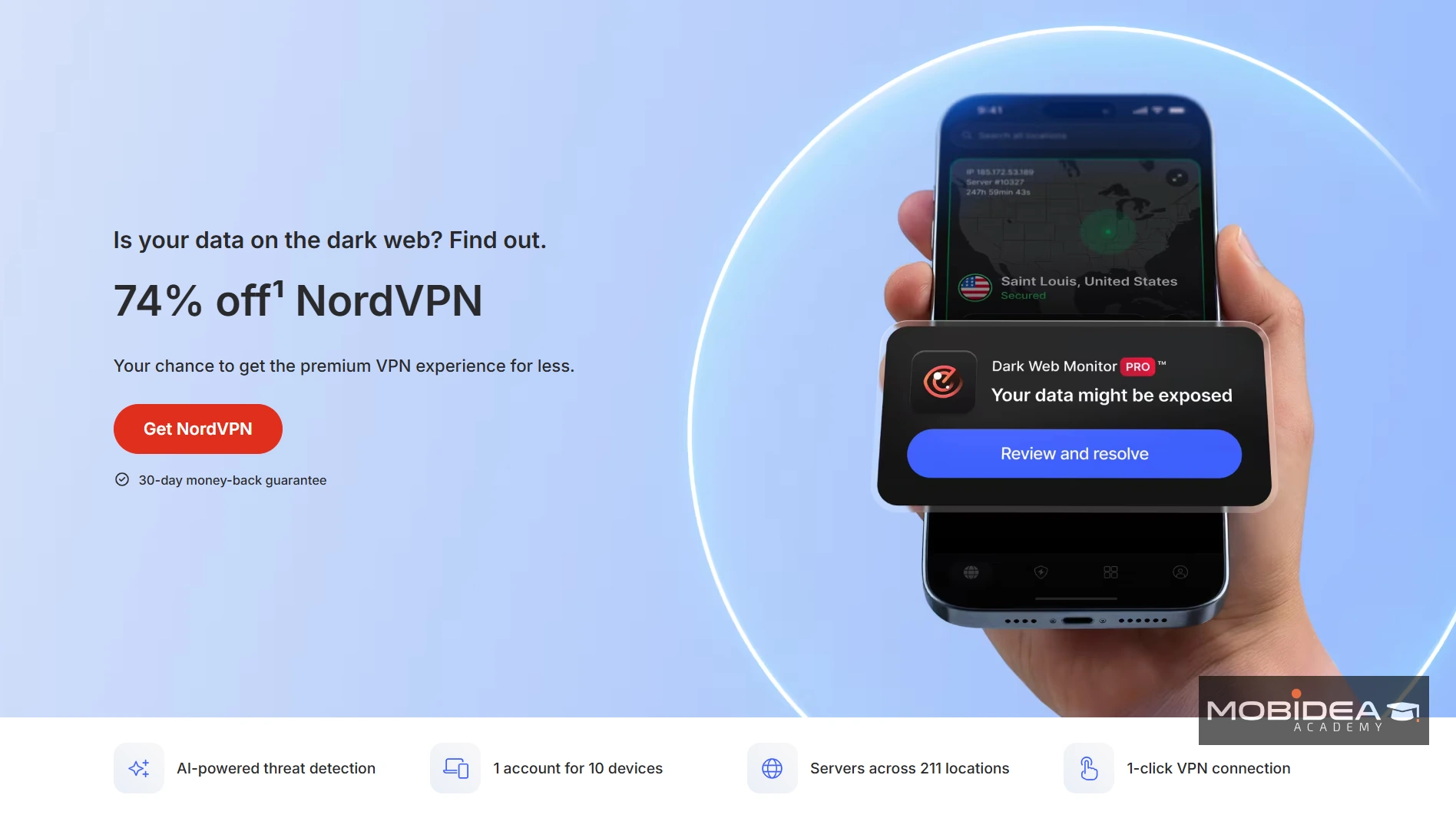
1. NordVPN
NordVPN is our number one choice for a VPN because it passed all the qualities we are looking for in a VPN—security, connection speed, number of servers, ease of use, and support.
Security
Security is the most important factor to consider when choosing a VPN service provider, and NordVPN has proven that they are one of the best.
NordVPN uses AES-256 encryption to protect its connections, topped off with Wireguard, the newest protocol available.
It also allows you to bypass VPN censorship filters with obfuscated servers, which helps users in countries like China and Iran secure themselves while surfing the internet.
Connection speed
NordVPN’s security features do not affect its connection speed negatively at all, which is important if you are using it for affiliate marketing purposes.
Countries served and number of servers
NordVPN now has over 9,200+ servers in 130+ countries worldwide, making it one of the largest and most diversified server networks in the VPN industry.
Connecting to a server that would clear the path for you and allow you to view a geo-blocked landing page has never been easier.
You can also get a dedicated IP at an additional cost.
While all other servers give you a shared IP when connecting, a dedicated IP will be used by you and you alone, so you won’t be at risk of being blacklisted due to other people’s usage.
Ease of use
NordVPN is user-friendly and has a large number of support guides to help you set up the service.
The guide will show you how to do things like manually configure the VPN on your WiFi router, protecting all devices connected to it.
This can be done in a few easy steps.
They also have a one-click app available for multiple devices, such as Android, iOS, Windows, macOS, and more.
Customer Support
NordVPN has a large and active community on their social media, which they use to help troubleshoot issues with the service.
They also have an email and 24-hour live chat support available so you can get your answers quickly.
Pricing
NordVPN now offers four plan tiers—Basic, Plus, Complete, and Prime—each available on monthly, 1-year, or 2-year billing cycles:
- Basic:
- $12.99/mo billed monthly
- $4.99/mo billed annually
- $3.09/mo billed every 2 years
- Plus:
- $15.29/mo billed monthly
- $5.49/mo billed annually
- $3.59/mo billed every 2 years
- Complete:
- $18.69/mo billed monthly
- $6.99/mo billed annually
- $5.39/mo billed every 2 years
- Prime (US only):
- $25.29/mo billed monthly
- $8.99/mo billed annually
- $7.39/mo billed every 2 years
All plans include up to 10 simultaneous device connections and a 30-day money-back guarantee.
Use our exclusive NordVPN coupon to get a discount.
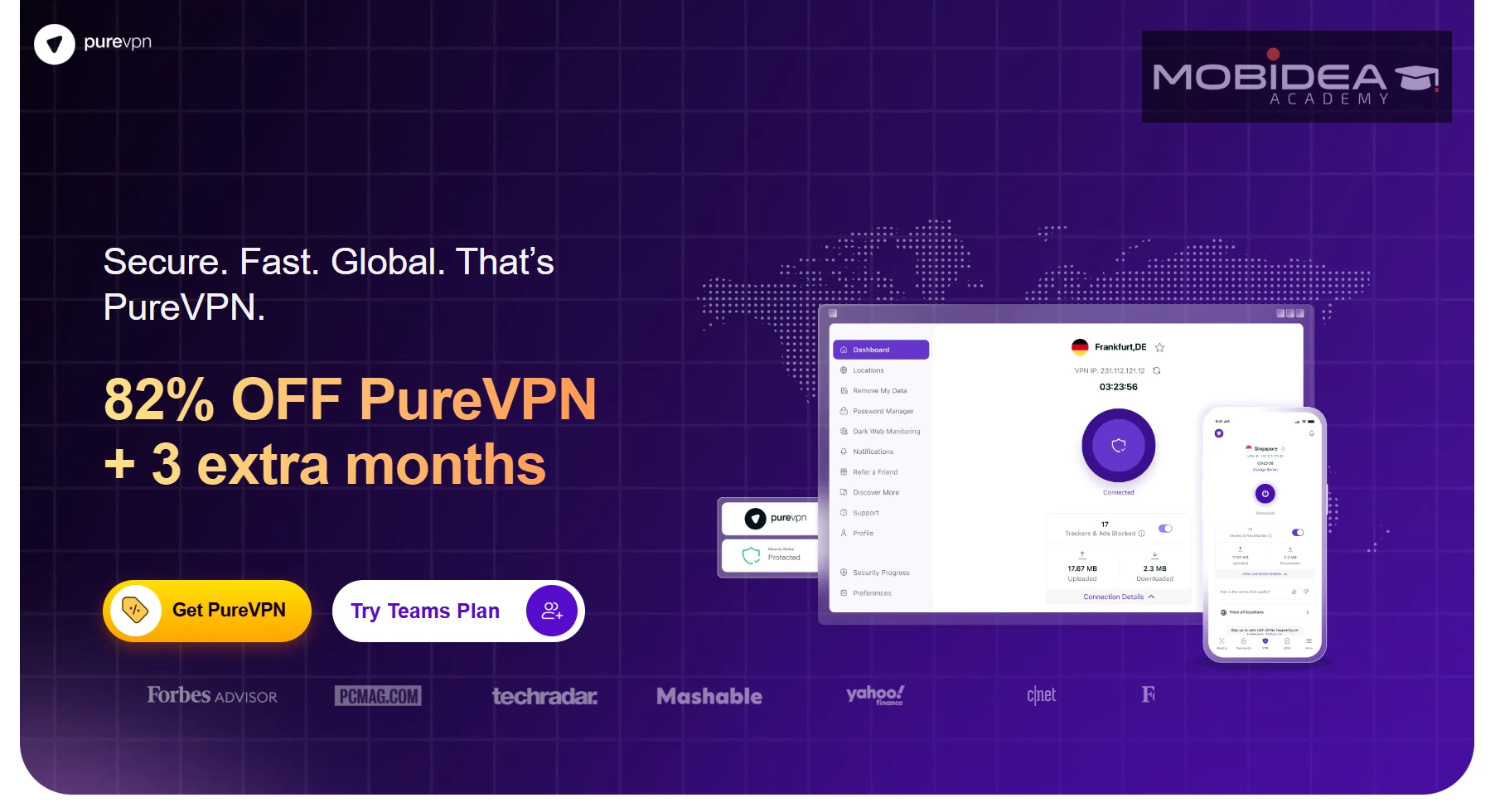
2. PureVPN
PureVPN has a lot of great features including anti-virus protection, malware protection, app filtering, and Wi-Fi security.
It also promises to provide you with the fastest connection speed possible because of its cloud servers, with unlimited bandwidth and speed.
This VPN is a crowd-favorite, with several super affiliates using and recommending them.
Security
PureVPN uses AES-256 bit encryption to secure your internet traffic.
In addition, it also offers a two-layer security protocol that includes a military-grade firewall and Double VPN features for an extra layer of security when browsing or streaming online.
It also allows you to use a dedicated IP address with its Dedicated Streaming Servers feature.
What sets PureVPN apart on the security front is its always-on independent audit by KPMG, which allows random audits at any time.
This is a more demanding standard than most VPN providers offer.
Connection speed
PureVPN’s cloud servers promise users unlimited bandwidth and zero speed caps, which is great for bufferless streaming and unblocking of content.
Their servers support 20Gbps speeds, which is more than double that of most VPN providers.
Countries served and number of servers
PureVPN has over 6,000+ servers in more than 65 countries worldwide, giving you the opportunity to unblock geo-restricted affiliate offers from Tier 1 to Tier 3 countries.
Ease of use
PureVPN is easy to set up and it has a large support database should you find yourself needing assistance.
Additionally, it allows for 10 multi-logins so you can protect several devices with just one account.
Customer Support
PureVPN provides 24/7 customer support via email, live chat, ticketing system, and social media.
They also offer tutorials to help set up the VPN on all devices available.
Pricing
PureVPN offers three plan tiers — Standard, Plus, and Max — with the following pricing:
- Standard: $11.95/mo billed monthly
- Plus: $2.55/mo billed annually
- Max: $2.15/mo billed every 2 years
A 31-day money-back guarantee is available on all plans, plus a 7-day trial (payment info required upfront).
PureVPN accepts payment via credit/debit cards, PayPal, and cryptocurrency (via CoinGate).
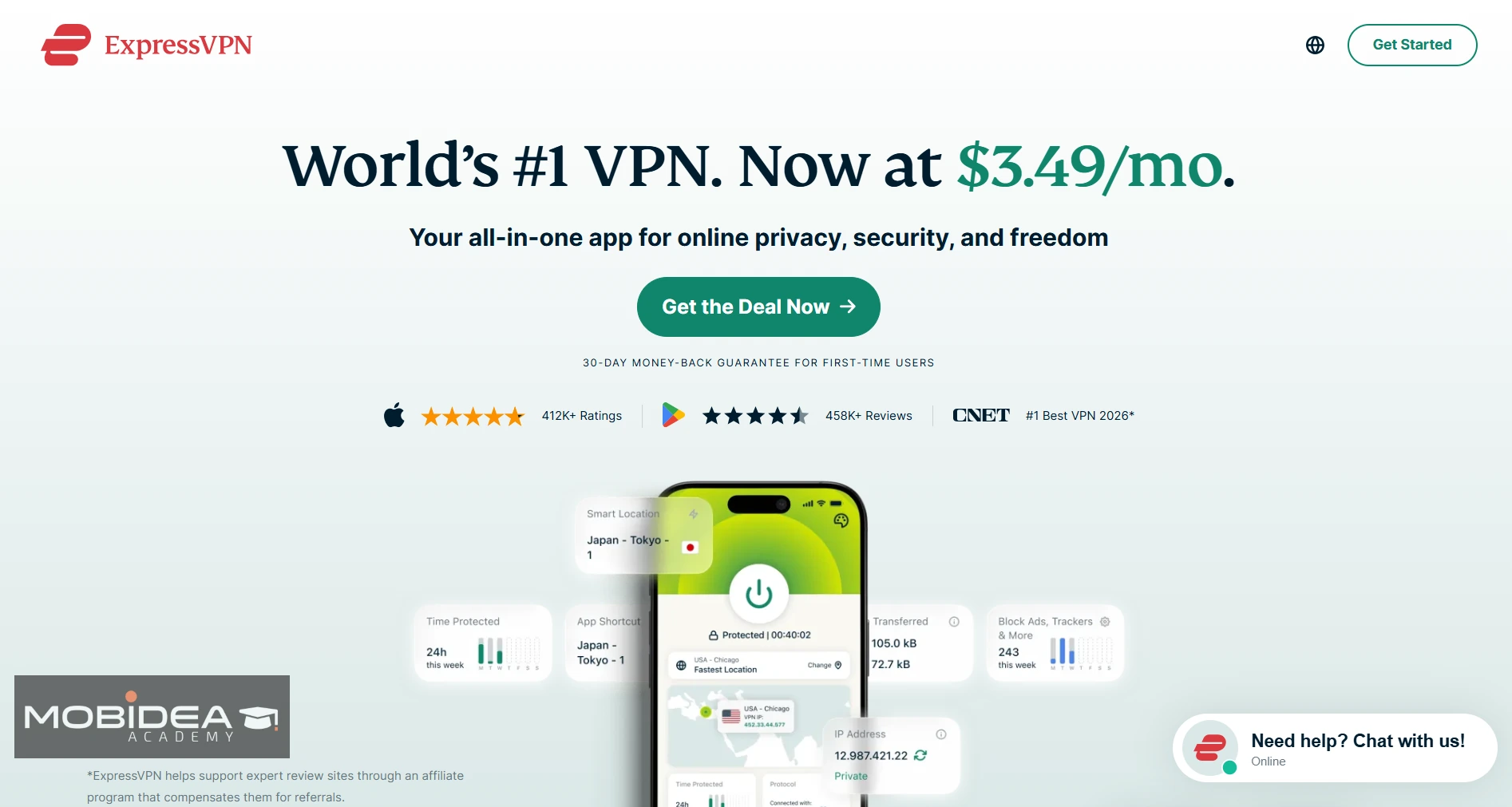
3. ExpressVPN
ExpressVPN is one of the most popular VPN providers out there, and for good reason.
It has a large server network that covers over 105 countries, it offers excellent security features, and its speeds are some of the best we’ve tried.
Security
ExpressVPN has a 256-bit AES encryption that will keep your data safe from hackers and cybercriminals, as well as an internet kill switch (Network Lock) for those moments when you need to stop the flow of traffic.
It also uses its proprietary TrustedServer technology — RAM-only servers that automatically wipe all data on every reboot — for added privacy assurance.
Connection speed
We can safely say that ExpressVPN makes a very reliable product.
With it, you’ll get fast speeds without sacrificing security features.
Best of all, the speed is consistent across all their servers, which is not very common among VPNs.
Its proprietary Lightway protocol ensures fast, reliable connections even on mobile and router setups.
Countries served and number of servers
ExpressVPN now has 3,000+ servers in 105 countries, offering impressive global coverage for affiliates who need to view geo-restricted offers across multiple regions.
Ease of use
ExpressVPN’s software is easy to install and it comes with a built-in speed test that will help you determine the fastest server available for you.
It is lightweight and fast when it comes to setting up security features, which makes it a great choice even for non-tech-savvy users.
The website has plenty of guides that will help you get started with using their VPN service, though you will find that it’s pretty self-explanatory.
Customer support
ExpressVPN offers 24/7 customer support, but it is only available through the live chat feature.
If you don’t want to wait for a hold during peak hours, you can send an email and expect a response within 12 to 24 hours.
Pricing
ExpressVPN now offers three plan tiers — Basic, Advanced, and Pro:
- Basic:
- $12.99/mo billed monthly
- $4.99/mo billed annually
- $2.79/mo billed every 2 years
- Advanced:
- $13.99/mo billed monthly
- $5.99/mo billed annually
- $4.49/mo billed every 2 years
- Pro:
- $19.99/mo billed monthly
- $8.99/mo billed annually
- $7.49/mo billed every 2 years
All plans come with a 30-day money-back guarantee.
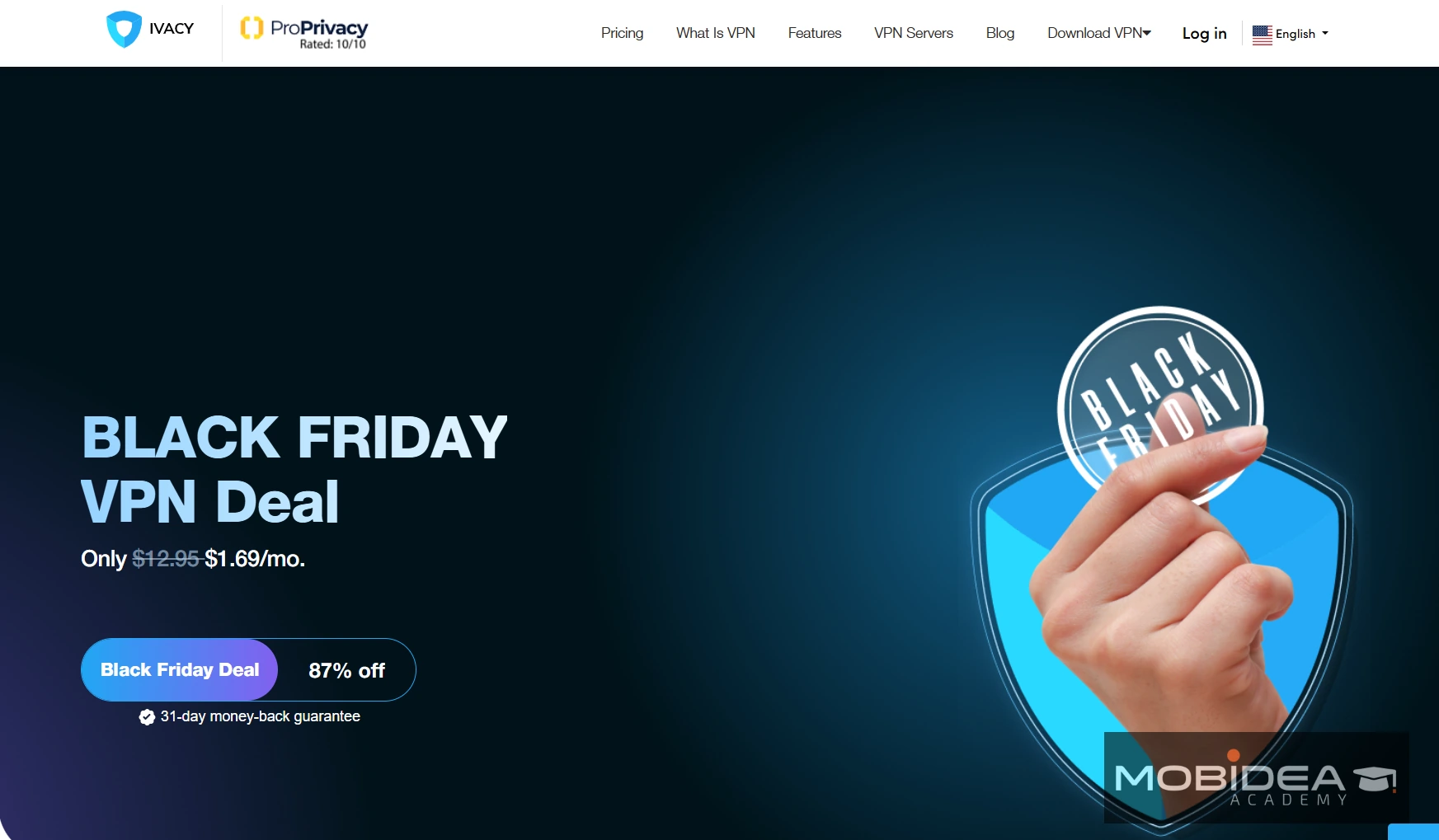
4. Ivacy VPN
Ivacy VPN has been around since 2007, which makes it one of the longest-running VPN services out there.
If you’re looking for an affordable VPN with a large server network and good geo-unblocking, Ivacy is worth a look — especially if you’re running campaigns in multiple countries and don’t want to spend much.
There is one thing you should know before signing up, though.
Ivacy recently joined forces with PureVPN under the same parent company, and now runs as Ivacy Powered by PureVPN.
If you’re already using PureVPN, both services now share the same setup — so you don’t need both.
If you’re not on PureVPN, don’t worry — Ivacy still works as its own product with its own apps, prices, and plans.
Check out our exclusive Ivacy VPN deal.
Security
Ivacy uses AES-256 encryption on all plans.
This is the gold standard in the VPN industry and keeps your connection safe from prying eyes.
It also comes with a kill switch, DNS leak protection, split tunneling, and support for several protocols including WireGuard, OpenVPN, IKEv2, and L2TP.
S you can choose between faster speeds or tighter security depending on what you need.
Good news for privacy-focused affiliates: Ivacy is based in Singapore, which sits outside the Five Eyes and other major government surveillance groups.
It also has a no-logs policy, so what you do online stays private.
Connection speed
Ivacy’s speeds are better than you’d expect for the price.
Tests show download speeds between 70 Mbps and 270 Mbps, depending on which server you connect to.
Nearby servers connect fast — as quick as 12ms response time in some tests.
One thing to watch out for: connecting to a server can sometimes take longer than other VPNs — up to 25 seconds in some cases.
It’s not a huge problem, but if you’re constantly switching between countries, it can slow you down a bit.
Countries served and number of servers
Ivacy has 5,700+ servers in 100+ countries across 180+ locations.
That’s a wide reach.
You’ll find servers in common markets like the US, UK, and Germany, but also in places most VPNs skip — including Nigeria, Armenia, and Aruba.
Another plus: Ivacy owns all of its own servers instead of borrowing them from other companies.
That means better control over your connection and fewer weak points in the chain.
Ease of use
The Ivacy app is clean and easy to use on Windows, Mac, Android, and iOS.
To connect, you just pick a location and press the button. Simple.
Streaming servers are sorted by platform too — so if you want to access Netflix, you go straight to the Netflix server list instead of guessing which one works.
One thing to note for Mac users: the Mac app is more limited than the Windows version.
It only supports an older security protocol called IKEv1, and it doesn’t have a kill switch. If you mainly work on a Mac, this is worth keeping in mind.
Customer support
Support is one of Ivacy’s strong points.
Live chat runs 24/7 and is quick — most users get a response in under 15 seconds.
You can also reach the team by email or support ticket. There’s also a help section on the website with guides for setup and common issues.
Pricing
Ivacy has three plans:
- $9.95/mo billed monthly
- $3.99/mo billed annually ($47.76 total)
- $1.17/mo billed every 5 years ($70.20 total)
The annual and 5-year plans come with a 30-day money-back guarantee.
The monthly plan only gives you 7 days to ask for a refund — and this detail is not clearly shown during checkout, so watch out for that.
There’s also a free plan through the browser extension, but it only gives you one server location and cuts out most features.
Good for a quick test, but not for real work.
5. Private Internet Access (PIA) VPN
Private Internet Access is one of the most popular VPNs on the market, and it has a whopping 35,000+ server networks!
With this many servers, you are sure to be able to unblock IP-based offers in no time.
Security
PIA is great because it provides you with an internet kill switch, which will stop traffic if the VPN fails.
It’s also compatible with BitTorrent and offers multiple protocols for maximum security.
What’s more, PIA doesn’t store any traffic or connection logs — a policy that has actually been proven in court on multiple occasions.
PIA is also fully open-source, meaning anyone can inspect and verify the code.
Connection speed
While PIA doesn’t offer the best speeds, it does make a very reliable product.
It will keep your data safe without sacrificing too much performance.
Countries served and number of servers
PIA has servers in 90+ countries across 116+ locations.
It has one of the largest server networks of any VPN provider, including servers in every US state.
Ease of use
PIA is very simple to install and set up, thanks to its straightforward software.
It’s compatible with Windows, Macs, Android devices, and other operating systems.
You get all the security features you need in a VPN, but the interface offers a lot of advanced customization options that may feel overwhelming to beginners.
Customer support
PIA now offers 24/7 live chat support, a significant improvement over its previously ticket-only system.
Response times are fast and agents are knowledgeable.
They also offer plenty of resources on their site including guides, a knowledge base, and community forums.
Pricing
PIA keeps it simple with a single plan tier, and the only variable is subscription length:
- $11.99/mo billed every month
- $7.50/mo billed every 6 months ($45 total)
- $2.19/mo billed every 2 years + 2 free months (~$56.94 total)
All plans include unlimited simultaneous device connections and a 30-day money-back guarantee.
6. Intego VPN
If you’re running your affiliate business on a Mac and want more than just a VPN, Intego is worth your attention.
Most VPNs are standalone tools. Intego is different.
Its Privacy Protection VPN is part of a wider security suite that bundles antivirus protection, a network firewall, system optimization, and a VPN all under one roof.
One app, four powerful tools.
For affiliates who want full device protection without juggling multiple subscriptions, that’s a genuinely useful setup.
Intego VPN currently only works on Mac and Windows.
There are no apps for Android, iOS, or Linux.
If you need mobile coverage or multi-platform support, you’ll want to pair it with another option from this list.
Security
Intego Privacy Protection uses AES-256 encryption, the same standard used by the world’s top VPN providers.
It supports both OpenVPN and WireGuard protocols, giving you the choice between maximum compatibility and maximum speed.
A system-level kill switch is included and worked flawlessly in our tests, with no IP leaks detected across multiple server locations.
The no-logs policy is backed by PIA’s infrastructure, which has been tested in real court cases on multiple occasions and came out clean every time.
Connection speed
Intego’s connection speeds are impressive for a bundled VPN product.
In testing, it slowed download speeds by only 3%, which is well below the industry average of 5 to 15%.
That’s thanks to the shared PIA server network, which carries a massive load across 35,000+ servers, keeping individual server congestion low.
Countries served and number of servers
Intego’s VPN gives you access to 35,000+ servers across 91 countries worldwide.
That’s the same network as Private Internet Access, which is one of the largest server footprints of any VPN on this list.
For affiliates running campaigns across multiple geos, that depth of coverage means you’ll almost always find a server close to your target market.
Ease of use
The VPN is managed directly from the main Intego ONE dashboard, so there’s no separate app to download or configure.
Connecting is two clicks: pick a location, click connect.
A Recommended Location feature automatically selects the fastest server for your current physical location, so you don’t have to go hunting through a long server list every time.
The interface is clean and easy to use, especially for Mac users who are already familiar with Intego’s security suite.
Customer support
Intego offers 24/7 live chat and email support, with a solid knowledge base for common setup questions.
Response times are fast and support staff are knowledgeable.
As a Mac-first company with nearly 30 years in the business, Intego has built a reliable support reputation, particularly among users who are less technically experienced.
Pricing
Intego VPN is available as part of the Mac Premium Bundle + VPN plan:
- $89.99/year for 1 Mac (includes antivirus, firewall, system cleaner, and VPN)
- Multi-device pricing available for 3 or 5 Macs
All plans come with a 30-day money-back guarantee.
A 30-day free trial is also available, so you can test the full suite before committing.
For affiliates who already pay separately for antivirus and VPN tools, the bundle pricing often works out cheaper than paying for each product individually.
7. Surfshark
If you’ll be using your VPN for more than just affiliate marketing but also for you and your family’s entertainment, then SurfShark is your best bet.
Surfshark gives you unlimited data, bandwidth, and devices so the whole family can enjoy surfing the web securely.
With its decent security features and anti-fingerprinting tech, Surfshark is ideal for any VPN newbie who wants to unblock content and browse anonymously using a different IP address.
Security
It offers military-grade AES-256 encryption with SHA512 for authentication and RSA-2048 as handshake secrecy.
This level of encryption is standard in the industry.
Connection speed
SurfShark is one of the fastest VPNs out there — which makes it perfect for anyone who wants to stream location-specific content without any lag or buffering issues.
It only takes a few seconds to connect to a different server.
However, we’ve experienced some connection disruptions and IP leaks in the past.
An IP leak means your true IP is revealed from time to time, hence geo-restricted content gets automatically blocked.
Countries served and number of servers
With more than 3,200 servers in over 100 countries worldwide, Surfshark is a great choice for anyone who wants to unblock any IP-based geo-restricted content.
Furthermore, it offers a mix of static and dynamic IP addresses for users to choose from.
Ease of use
SurfShark’s software is quite simple to use.
Once you’ve downloaded and logged in, you can quickly connect to your location of choice with a single click.
Customer support
Aside from their 24/7 live chat feature, Surfshark has a ticketing system and also provides support via email.
The only downside we’ve experienced is that sometimes the customer support personnel had to transfer us to a different agent because their shift has ended.
This means waiting for a while for the new agent to get acquainted with your issue or you had to explain your problem again.
Pricing
Surfshark now offers three plan tiers — Starter, One, and One+:
- Starter:
- $15.45/mo monthly
- $3.19/mo annually
- $1.99/mo every 2 years
- One (includes antivirus + breach monitoring):
- $17.95/mo monthly
- $3.39/mo annually
- $2.49/mo every 2 years
- One+ (adds Incogni data removal):
- $20.85/mo monthly
- $5.09/mo annually
- $4.29/mo every 2 years
Surfshark offers a 30-day money-back guarantee on all plans.
8. IPVanish
Their strong security features earned IPVanish a spot in our list of best VPN service providers for affiliates.
Security
IPVanish offers an impenetrable level of encryption, which is why it’s considered one of the safest VPNs on the market.
It offers military-grade 256-bit AES encryption with SHA256 authentication and RSA-4096 as handshake secrecy.
On top of that, IPVanish has a strong track record of maintaining a no-logs policy.
Connection speed
As far as the connection speed is concerned, IPVanish delivers on both fronts — speed and security.
It offers access to more than 40,000 shared IPs so you can easily unblock websites with different local or foreign IP addresses.
Countries served and number of servers
IPVanish has more than 2,000 VPN servers in over 105 countries worldwide.
This gives you access to multiple IP addresses that can be used for unblocking geo-restricted content or watching sports matches without any lags or buffering issues.
Ease of use
If ease of use is one of your main concerns, then IPVanish is the VPN service you need.
It offers incredibly simple software that can be installed in just a few seconds.
All you have to do is select your preferred location and click on ‘connect’.
However, this also means the VPN app is quite limited and does not offer a lot of customization options.
The simplistic look of their website says it all, too.
Customer support
All in all, customer support is not one of IPVanish’s strongest selling points.
They have a live chat and an email ticketing system, but one of our main gripes is that we often had to wait for a while until we received a reply from the support personnel.
But once they responded, they were more than happy to help with any technical difficulties and other concerns we had.
Price
IPVanish now offers two plan tiers — Essential (VPN only) and Advanced (VPN + 1TB cloud storage):
- Essential:
- $12.99/mo billed monthly
- $3.33/mo billed for the first year
- $2.19/mo billed for 2 years
- Advanced: higher rate that adds 1TB secure cloud storage
Note: After your initial promotional period, the Essential plan renews at approximately $89.99/year (~$7.49/mo).
9. Namecheap FastVPN
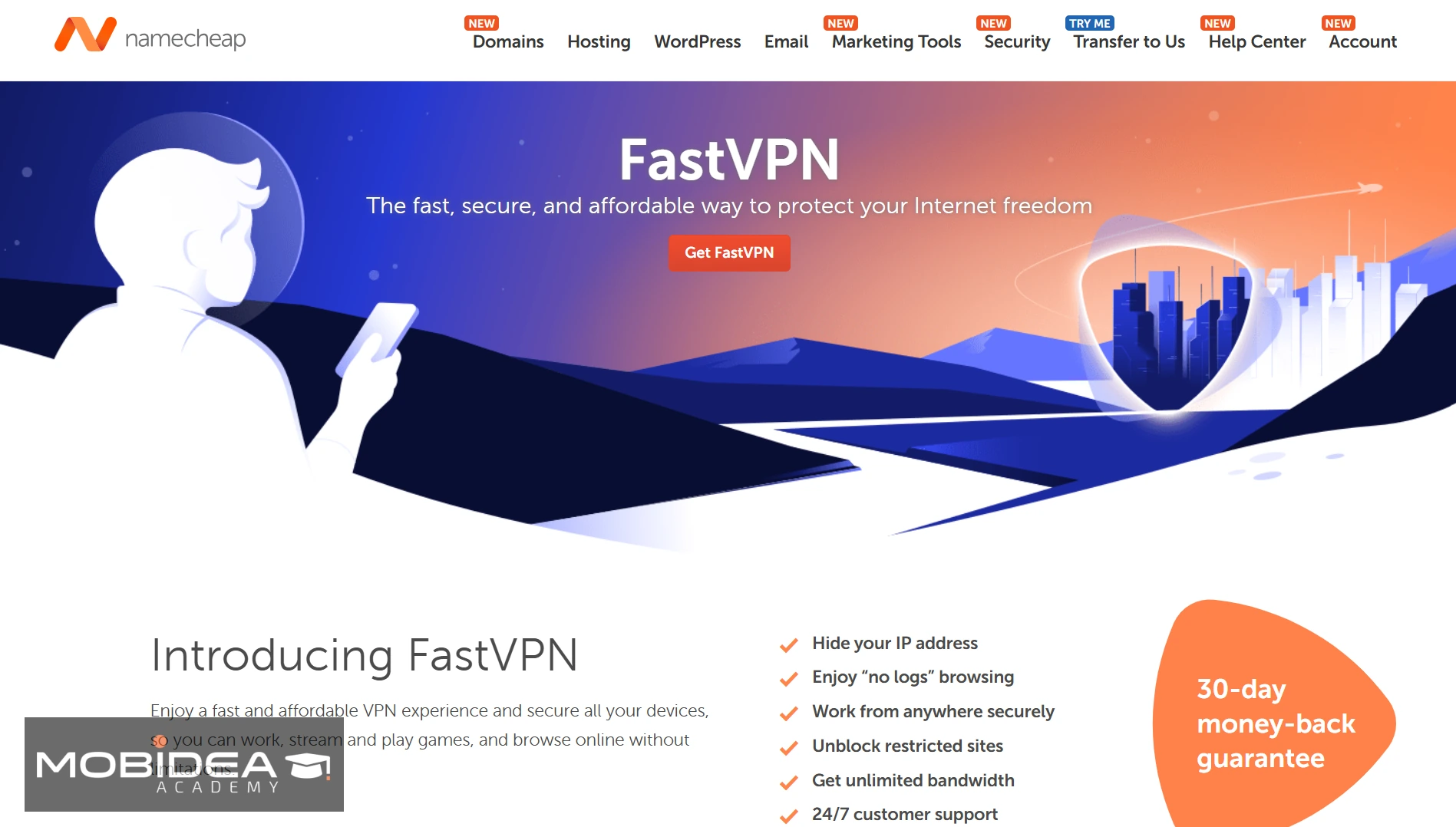
Namecheap is a domain registrar and web hosting company that offers FastVPN, one of the cheapest VPN services on the market.
FastVPN has been gaining in popularity thanks to its affordable prices and high-quality service.
Security
It offers strong security features, including 256-bit encryption, an internet kill switch (Windows only), and DNS leak protection.
Connection speed
Namecheap promises a consistent connection speed for all its users, without any difference in performance due to the security features FastVPN has.
Based on our tests, it does deliver decent speeds.
Countries served and number of servers
FastVPN has grown significantly and now offers approximately 2,700 servers across 100+ locations worldwide.
Ease of use
Namecheap’s VPN app is compatible with most devices and operating systems, including Windows, Mac OS, Linux, iOS, and Android.
FastVPN is easy to set up and it also has a quick-start guide for first-time users.
Customer Support
For customer support issues, Namecheap has a ticketing system, a very helpful FAQs page, and a live chat option.
Pricing
FastVPN is one of the cheapest VPN services available:
- Monthly: $0.99 for the first month, then renews at $7.88/mo
- Annual: $1.00/mo for the first year ($12 total), then renews at $34.56/year (~$2.88/mo)
All plans include a 30-day money-back guarantee.
10. PrivateVPN
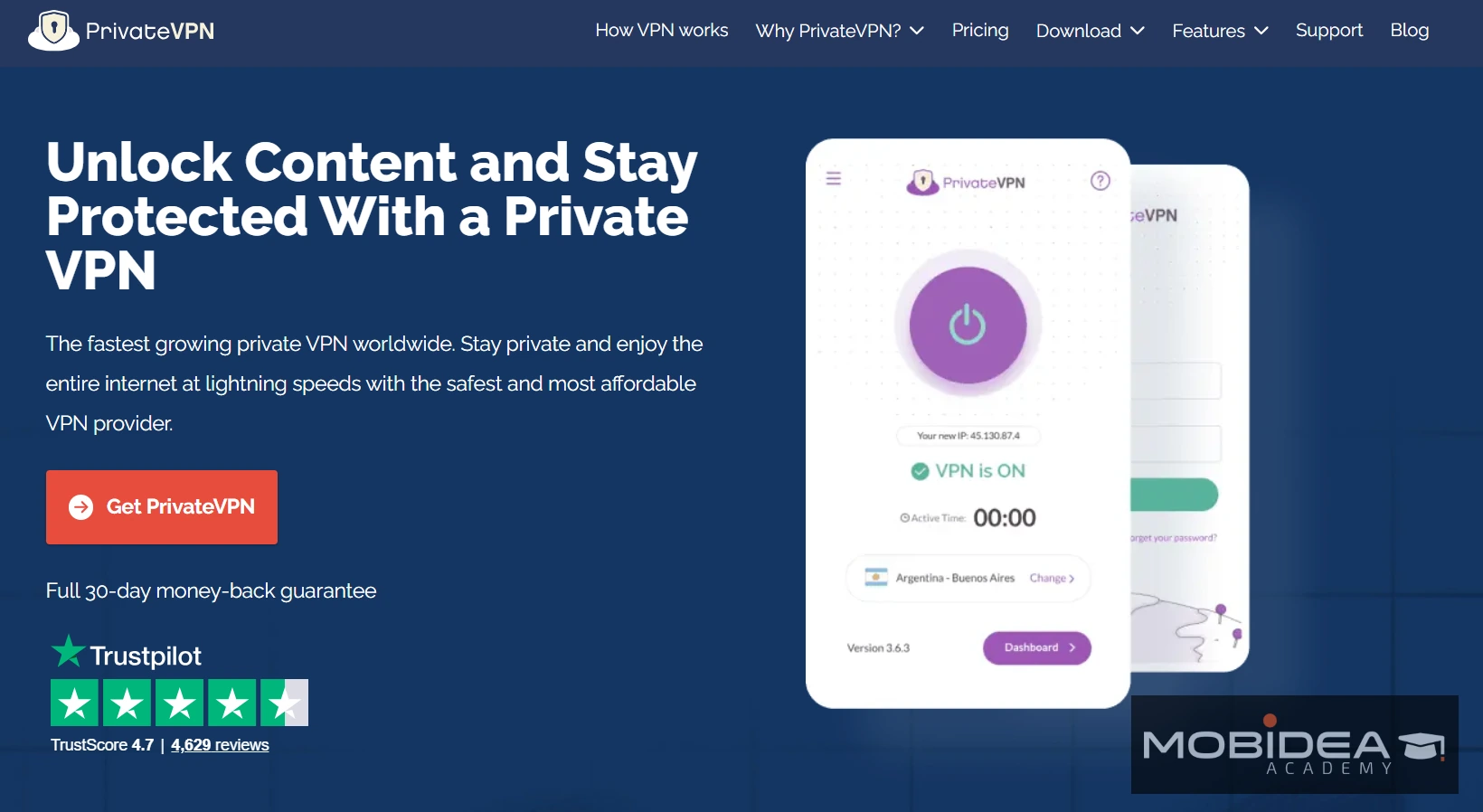
PrivateVPN is one of the more unique options on this list because it delivers incredibly fast connection speeds despite having a smaller server network than the big names.
While it doesn’t have the thousands of servers you’ll find with ExpressVPN or NordVPN, that doesn’t really affect your browsing speed or security.
Its main selling point is that you get strong, reliable speeds no matter what country you connect from — something most VPNs actually struggle with.
It’s also one of the very few VPNs that still works in China, which is worth noting if you’re targeting that market or traveling there.
Security
Like most top-tier VPNs, PrivateVPN uses AES-256 encryption and maintains a strict no-logs policy.
It’s based in Sweden, which has among the strongest privacy laws in Europe — and Swedish legislation does not currently require VPN providers to log user traffic data.
PrivateVPN also includes a kill switch, DNS leak protection, and port forwarding on its Dedicated IP servers.
Port forwarding is increasingly rare among VPNs and is particularly useful for affiliates who need reliable P2P connections.
One thing worth noting: PrivateVPN does not yet support the WireGuard protocol, which means its speeds, while solid, don’t quite match the fastest WireGuard-enabled providers.
Connection speed
PrivateVPN punches above its weight on speed.
Nearby servers are consistently fast, and even distant servers hold up better than you’d expect from a smaller network.
The trade-off is that the smaller server pool means less redundancy — if a server in your target geo is under load, your options are more limited than with a provider like NordVPN or PIA.
Countries served and number of servers
PrivateVPN has 200+ servers in 63 countries worldwide.
The network is smaller than most others on this list, but it covers all the major Tier 1 and Tier 2 geos that most affiliates need.
Dedicated IP servers — included at no extra cost — are available in 16 countries.
Ease of use
PrivateVPN has a clean, well-designed custom app for Windows, macOS, Linux, Android, and iOS.
It’s one of the easiest VPNs to set up on this list, with a one-click connect feature that gets you online fast.
Even complete VPN beginners will have no trouble navigating it.
Customer support
PrivateVPN offers 24/7 customer support via live chat and email, plus an online knowledge base covering topics like streaming geo-restricted content and security best practices.
Their support team is known for going the extra mile
They even offer free remote setup assistance, which is a nice touch for less technically-minded affiliates.
Pricing
PrivateVPN keeps it simple with three plan options:
- $9.90/mo billed every month
- $6.00/mo billed every 3 months ($17.99 total)
- $2.00/mo billed every 3 years ($72 total)
All plans include 10 simultaneous device connections, a kill switch, no bandwidth limits, and a 30-day money-back guarantee.
Bitcoin is also accepted as a payment method.
Final Thoughts
As an affiliate, you can use a VPN to avoid IP blocks from various networks when trying to access landing pages or offers.
This allows you to create more effective ad copies, creatives, and pre-landers, thereby increasing your chances of conversion.
Whether you’re a media buyer verifying your campaign flow from the target geo, or a publisher checking how your content ranks and monetizes in a different country, a VPN is one of those tools you’ll quickly wonder how you ever worked without.
The good news?
Getting started doesn’t require a big investment.
As you can see from our list, solid VPN protection starts at under $2 a month on long-term plans.
Trust us—once you start using a VPN, you won’t go back!
FAQs on VPN for Affiliates
What is a VPN?
A VPN, or ‘virtual private network’, is a service that allows you to connect to the internet through a server located in a different location.
This can be helpful for many reasons—security, privacy, and anonymity being the most popular ones.
By using a VPN, you can keep your online activity private and anonymous by masking your true IP address and assigning you a new one from a different country.
For example, if you wanted to simulate being in France instead of the United States, you could connect to the server located there and get an alternate IP.
Why use a VPN?
As an affiliate, is a VPN necessary to run my business?
Definitely!
Affiliate networks show different offers based on where you’re browsing from.
If you’re in the US but targeting Germany, you won’t see the real German offer page without a VPN.
That makes it impossible to write accurate ad copy or build a proper pre-lander.
With a VPN, you just connect to a server in the right country and see exactly what your audience sees.
We’ve outlined several other reasons why using a VPN is necessary.
Check out our post Why Every Affiliate Marketer Needs a VPN.
Can I use a VPN to view geo-restricted affiliate offers?
Yes. Connect to a VPN server in your target country and you will see the exact offer page your audience sees, including the correct landing page, creative, and flow.
Are free VPNs good enough for affiliate marketing?
No. Free VPNs have slow speeds, limited servers, and many of them sell your data.
A paid VPN starts at under $2 per month and is a much safer option.
Can I use one VPN account on multiple devices?
Yes, most VPNs on this list support 7 to 10 devices at the same time.
Surfshark, PIA, and IPVanish allow unlimited devices under one account.
What does Five Eyes jurisdiction mean for a VPN?
Five Eyes is a data-sharing agreement between the US, UK, Canada, Australia, and New Zealand.
VPNs based in these countries can be forced by the government to share user data, so many privacy-focused users prefer VPNs based outside these countries.


This insanely hot list of the top affiliate marketing forums of all time is gonna allow you to do your research and become an affiliate marketing pro!

Get ready to check an awesome list of the best Google Ads training courses and guides you need to explore right now!

Learn these amazing Excel tricks, tips, and techniques to get to know how you can effectively analyze affiliate data like a master pro!