Best Paid SEO Tools That Pay for Themselves (Affiliate Picks)
November 5, 2026 27 min read
In a previous post, we talked about how SEO tools are important for publishing affiliates since organic traffic is your bread and butter.
But with so many options out there, it’s hard to choose the best paid SEO tools to use nowadays.
Don’t worry, we’ve got you!
In this post, we’ll highlight the best SEO tools to boost your strategy and get your affiliate website the attention it deserves.
We’ll talk about their best features, pros and cons, plans and pricing, and more.
So without further ado…
All-in-One SEO Tools
1. Semrush
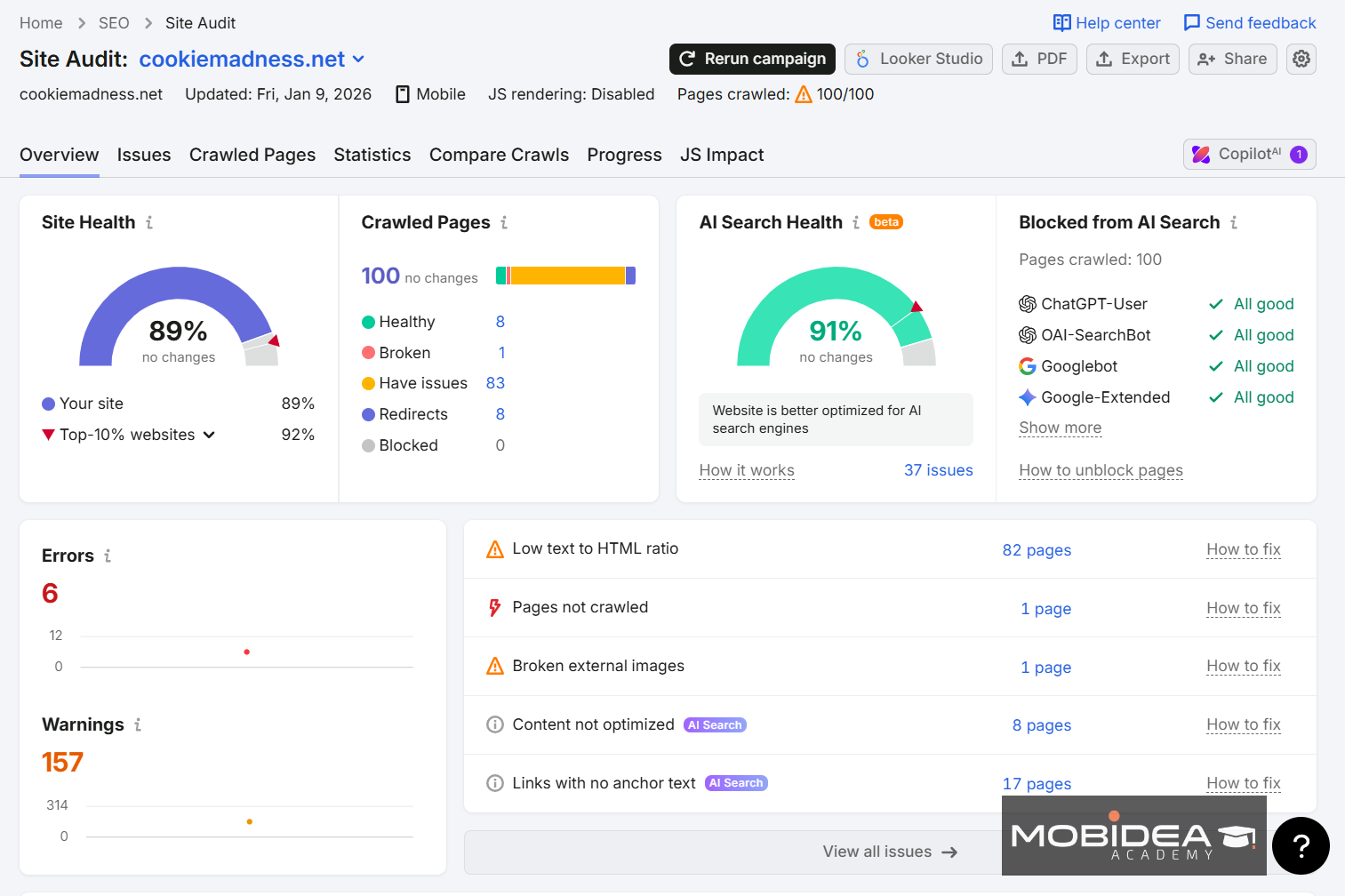
Semrush—it’s like the go-to tool for all things SEO!
People rave about its killer tools that make sure you won’t need to go anywhere else when it comes to search engine ranking, content creation, and more.
Whether you’re in publishing or digital marketing, Semrush has your back.
Their Competitive Research feature is a game-changer as it provides detailed competitor reports at your fingertips.
You can take advantage of its features to look into domain insights, traffic analysis, backlink gaps, and keyword gaps to up your competitive game.
And there’s a whole section dedicated to keyword research, link building, on-page SEO, and technical SEO.
If you use it well, it can be your secret weapon to stay ahead in the industry.
Semrush is actually the #1 choice of SEO pros, but it works particularly well for beginners, too.
Granted, it requires a bit of learning to fully master the platform, but it’s all worth it.
Check our full Semush review to get acquainted with the platform.
Pricing
The cheapest plan starts at $129.95 a month.
You can try it with a 7-day free trial.
We also have an extended free trial of the Semrush One Plan.
2. Ahrefs
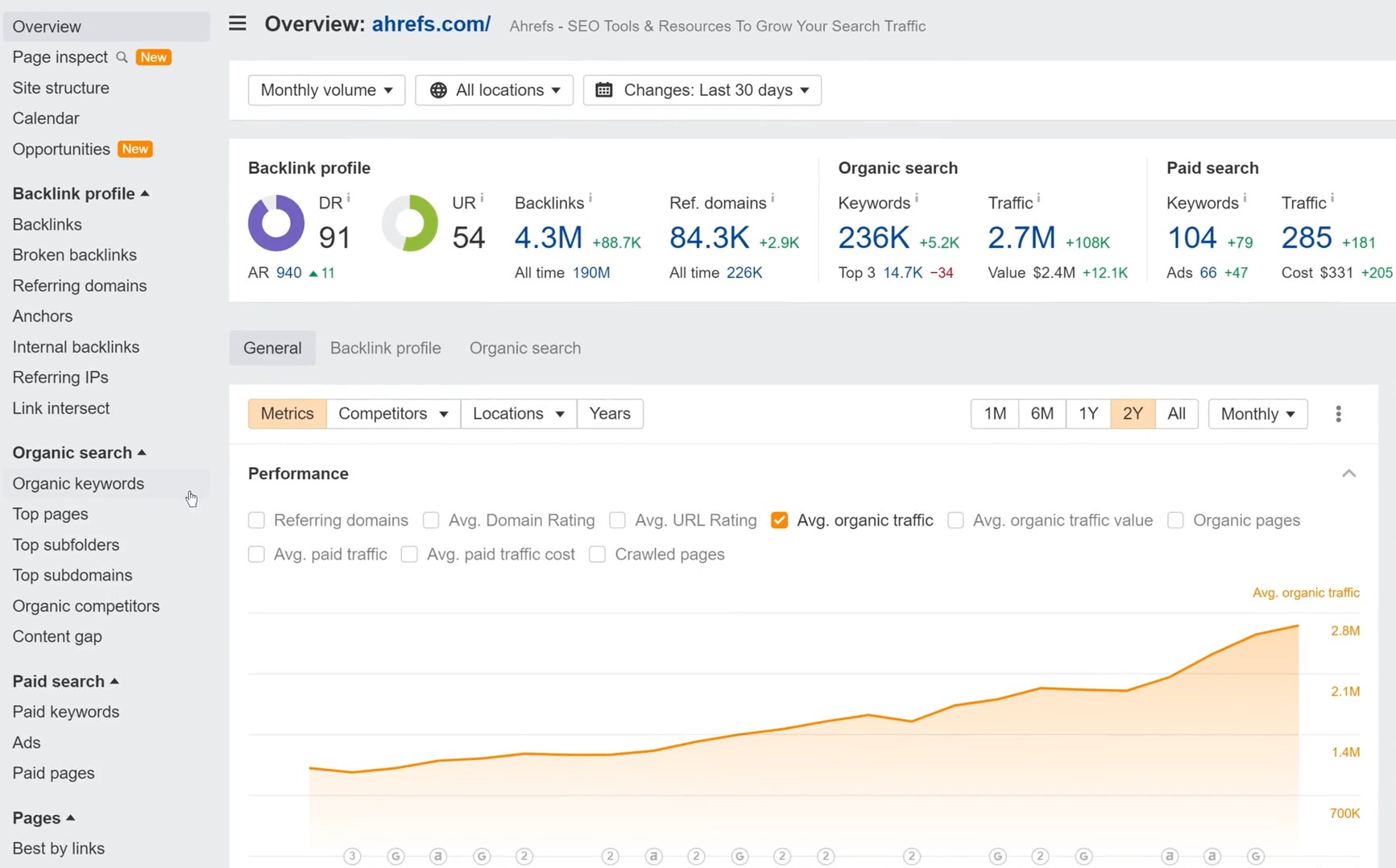
Being a major player in the SEO scene, Ahrefs comes packed with a bunch of cool features.
You’ve got detailed keyword research, thorough backlink analysis, site auditing tools, and deep competitive insights.
Some users really love how it handles site audits and backlink analysis—that’s like Ahrefs’ thing, you know?
Its Site Explorer lets you explore a website’s organic traffic and backlinks.
It highlights top pages and offers tips to boost them.
You can also use their Keywords Explorer to find new keywords, check out search volume, and grasp keyword difficulty.
Along with this are the estimated traffic and organic click-through rates.
With Rank Tracker, I’ve been able to keep tabs on my keyword rankings over time and receive regular updates, which is great for stacking up against the competition.
Content Explorer is another fantastic feature.
It helps you find popular content in your niche.
You’ll also discover trending topics and learn from competitors’ successes.
To top it off, Ahrefs’ Backlink Analysis is top-notch, thanks to its massive index and detailed info on linking domains and link quality.
But how does Ahref stack against Semrush?
Have a look at our blow-by-blow comparison to help you decide: Ahrefs vs Semrush: Don’t Buy Before Reading This.
Pricing
When it comes to paid plans, the price starts at $29 a month.
And no, it doesn’t have a free trial.
But if you own a site, you can use Ahrefs Webmaster Tools for free to get Site Audit and Site Explorer data.
3. seoClarity
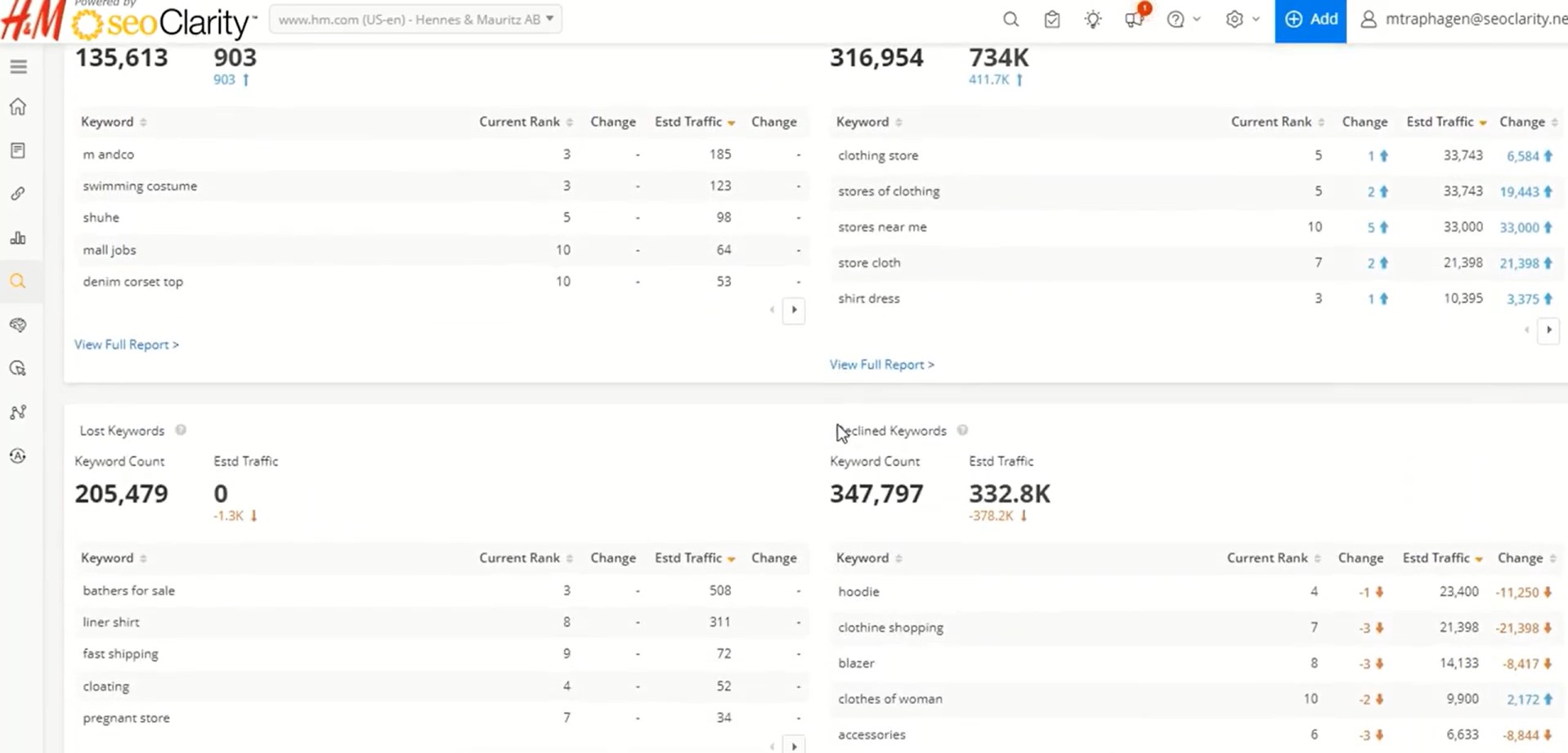
SeoClarity is a powerful SEO tool you can rely on to boost your website.
It comes with a range of handy features: the site audits give you a peek into how your website is doing, pointing out any tech glitches that need fixing.
The keyword research tool also suggests fresh terms to jazz up your content.
You can keep an eye on your website’s progress with the rank-tracking feature.
And the competitor analysis feature spills the beans on what your rivals are up to.
If you want to jump into TikTok promotion, you’ll also get TikTok Trends insights from this tool.
Like other tools, seoClarity gives you data and automation for whipping up reports.
Plus, it hooks you up with a slick dashboard for a quick look at your data, helping you make smart decisions quickly.
However, some users, especially newbies, might find it a bit tricky to navigate.
You’d have to spend a bit of time understanding how to utilize it to the fullest.
Also, it’s possibly the most expensive tool on this list.
No matter if you’re running a small business or a big-shot enterprise, seoClarity’s got your back with the flexibility you need to nail your goals.
Pricing
The Core plan starts at $3,000 a month, and the Essentials plan is priced by custom quote.
It has a free 5-day trial, and you can also request a demo.
4. AIOSEO
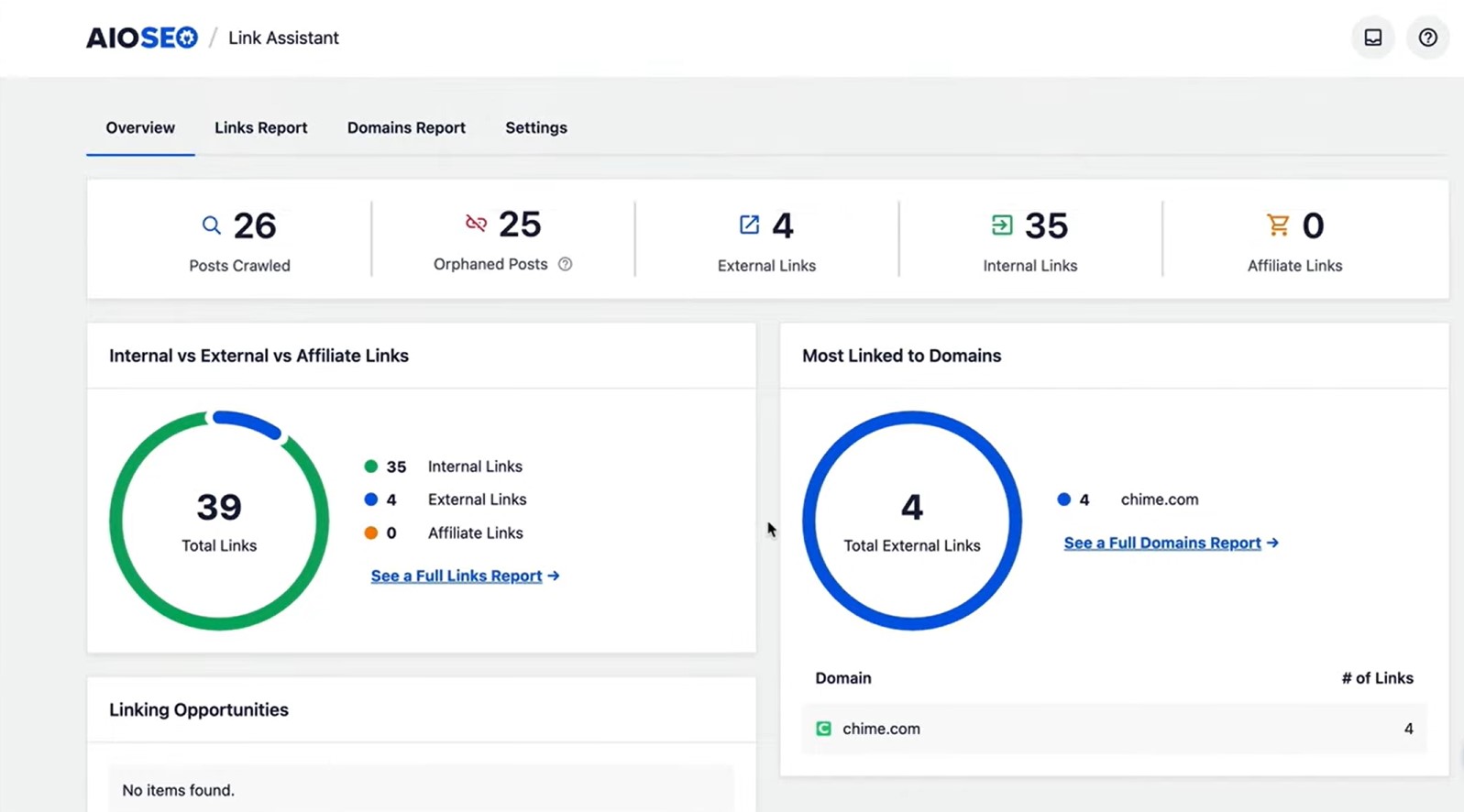
All-in-One SEO (AIOSEO) is like that buddy who makes SEO super easy for you.
One exciting thing about it is the TruSEO score feature.
It gives you direct tips to boost your content and stay on top of the latest practices.
And here’s the kicker—AIOSEO integrates nicely with social media, letting you share effortlessly across platforms.
It also hooks you up with WooCommerce for that extra boost in online visibility for your e-commerce gig, if you have any.
This tool is efficient and easy to use.
One standout feature is its on-page analysis.
It goes beyond just optimizing for keywords.
It looks at readability, internal links, and suggests ways to boost user engagement.
This approach ensures you’re not just stuffing in keywords but truly enhancing your content’s quality.
Pricing
When it comes to paid plans, the price starts at $49.60 a year.
And yes, it has a free Lite version that never expires, which includes TruSEO on-page analysis, XML sitemaps, and basic schema.
Analytics and Attribution Tools
1. Affilimate
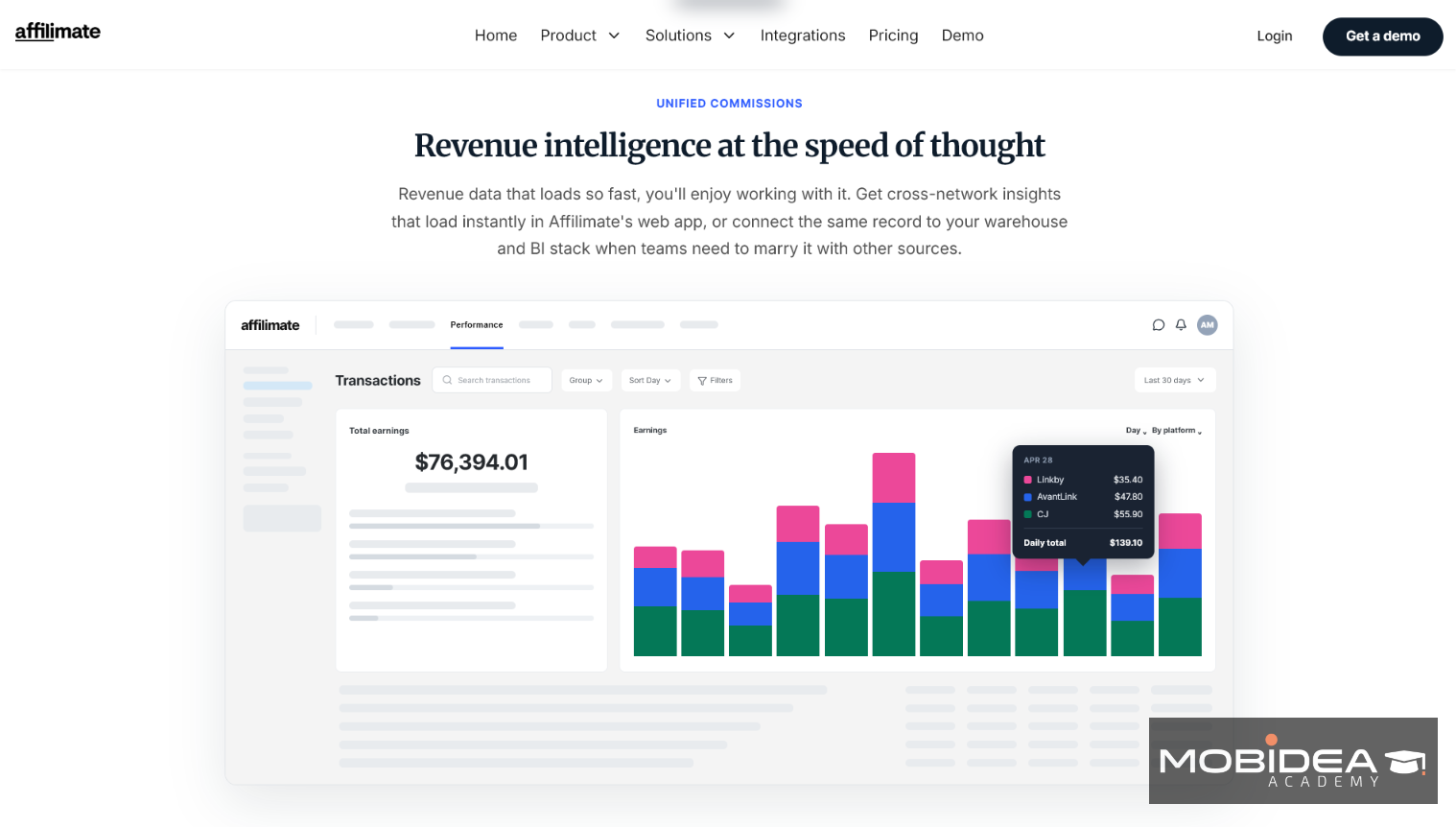
Affilimate is built for publishers.
Its Unify product pulls your revenue from more than 100 affiliate platforms into one dashboard.
It then credits each sale to the exact page and link behind it, using dynamic SubIDs.
Think of it as a receipt that also tells you which shelf the item came from.
It tracks its own pageviews and clicks.
That means you don’t need Google Analytics for this data.
My take: I’d start here if you run one or two content sites and want revenue per page without a big setup.
Pricing
Plans start at $29 a month.
It has a free 15-day trial, and you don’t need a credit card to start it.
2. WeCanTrack
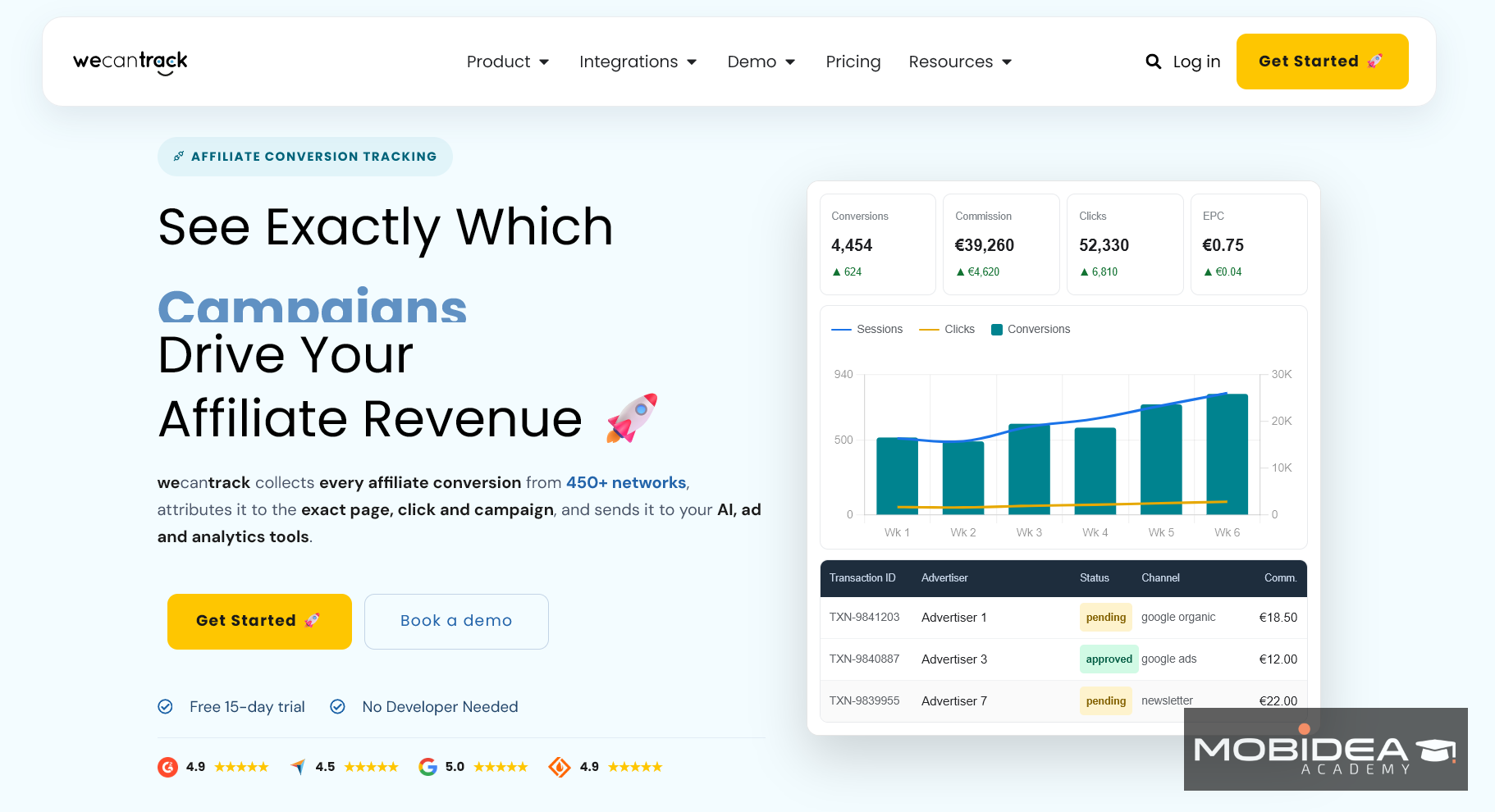
WeCanTrack does the same matching, but it sends the results into tools you already use.
Its WordPress plugin adds a unique click ID to your affiliate links and works with most link-cloaking plugins.
It then pulls your sales from your networks and pushes them into Google Analytics and ad platforms such as Google Ads and Meta.
It’s backed by an investment from Awin, one of the big affiliate networks.
I recommend this one if you already live in Google Analytics and want commissions to show up there.
Pricing
Plans start at about $60 a month.
Its free trial lasts 30 days, and it starts once you connect your network accounts.
3. ThirstyAffiliates
ThirstyAffiliates turns long, messy affiliate URLs into clean links on your own domain.
Think of it as a name tag. The link still goes to the same place, but it looks like yours.
You create a link once and reuse it across your posts.
Each link gets nofollow and sponsored options, plus parameter forwarding.
Click stats show up as charts in your dashboard.
One thing to know: it automatically un-cloaks some links to follow Amazon Associates’ terms.
My take: I’d pick ThirstyAffiliates if you want a simple, reliable link library.
The free version is a good place to start.
Pricing
The Pro plan starts at $99.60 a year.
It has a free version too, which covers link cloaking and basic click tracking.
4. Lasso
Lasso goes beyond cloaking. It’s a full toolkit built for affiliate publishers.
It cloaks your links and lets you set nofollow or noindex on each one. It also keeps checking for broken links and alerts you when one dies.
It even scans your existing posts for places where you could add an affiliate link. That’s like having a metal detector for missed commissions.
On the Scale plan, you get content-level reports. That shows which pages earn the most.
My take: Lasso fits best if affiliate links are your main income. It costs more than a basic plugin, but it does a lot more.
Pricing
Paid plans start at $5 a month.
Its free Lite plugin comes with a Chrome extension and YouTube integration.
5. Pretty Links
Pretty Links is the pick for per-link control.
When you create a link, you set its prefix and redirect type on the same screen.
You can also add nofollow and sponsored tags and open the link in a new tab as you insert it.
It supports permanent and temporary redirects (301, 302, and 307).
Think of it as a settings panel on every single link, instead of one switchboard for the whole site.
My advice: start with the free version.
Move to Pro when you need advanced redirects or link health checks.
Pricing
The Pro plan starts at $99.60 a year for the first year, and renewals cost more.
Its free version includes basic link shortening and click tracking.
Keyword Research Tools
1. Spyfu
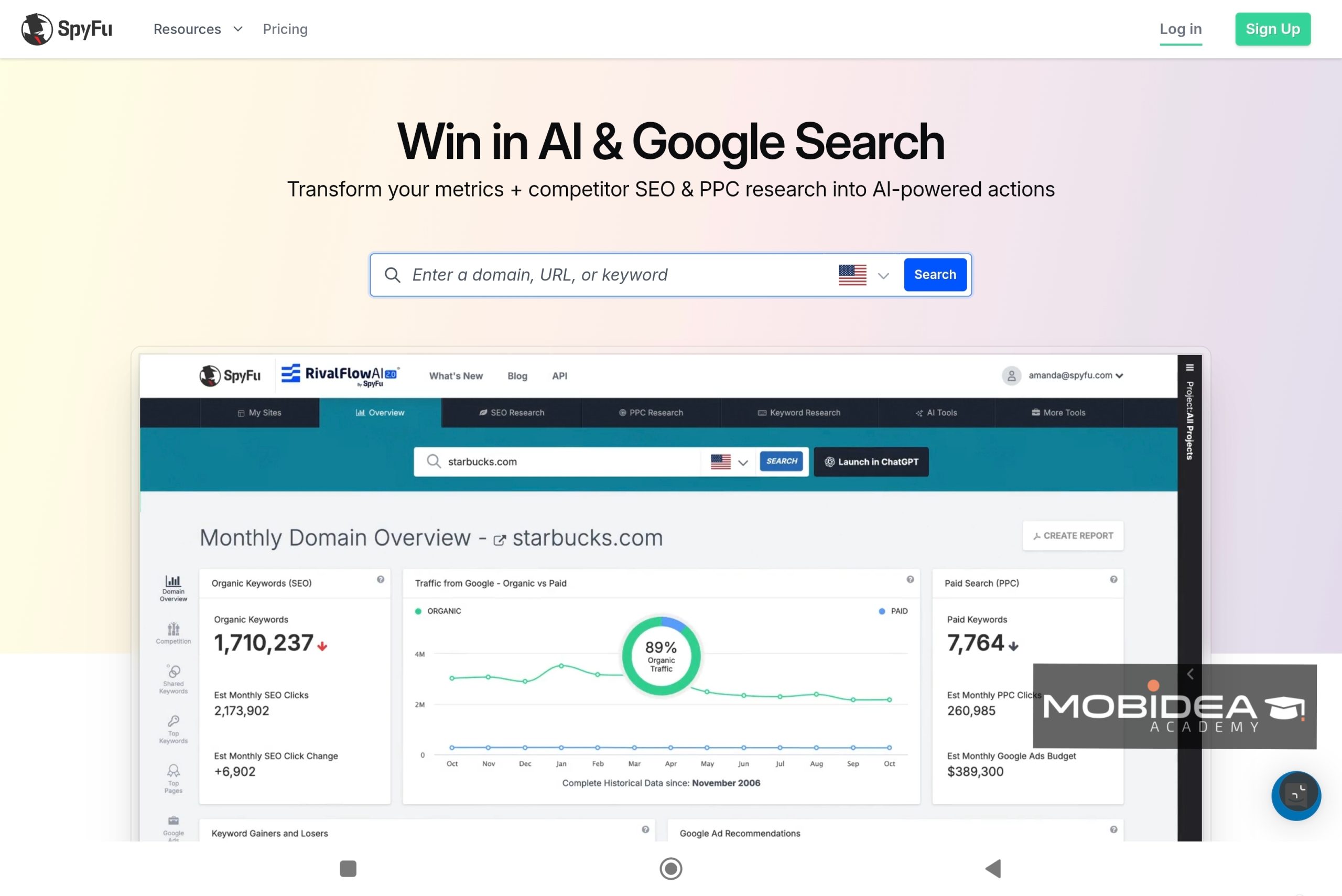
Spyfu is such a fantastic SEO tool packed with excellent features—including an impressive keyword analysis feature.
Basically, it lets you peek into your competitors’ top keywords so that you can do better over them.
Just type in a competitor’s domain, and voila, you’ve got a supply of information.
From their best keywords to how they advertise and where they get their backlinks.
And the keyword research part?
It’s where you can discover the exact keywords driving traffic to your competitors’ sites.
You can even find related search terms.
It also gives you historical data so you can see how your keywords have performed over time.
This tool not only helps you spot trends but also shows you where you can really stand out.
It even showcases a keyword overlap to see which keywords you and your competitors are fighting over, and which ones you can win without much effort.
Pricing
When it comes to paid plans, the price starts at $39 a month.
And no, there’s no free trial.
But you can book a one-on-one demo.
2. KWFinder
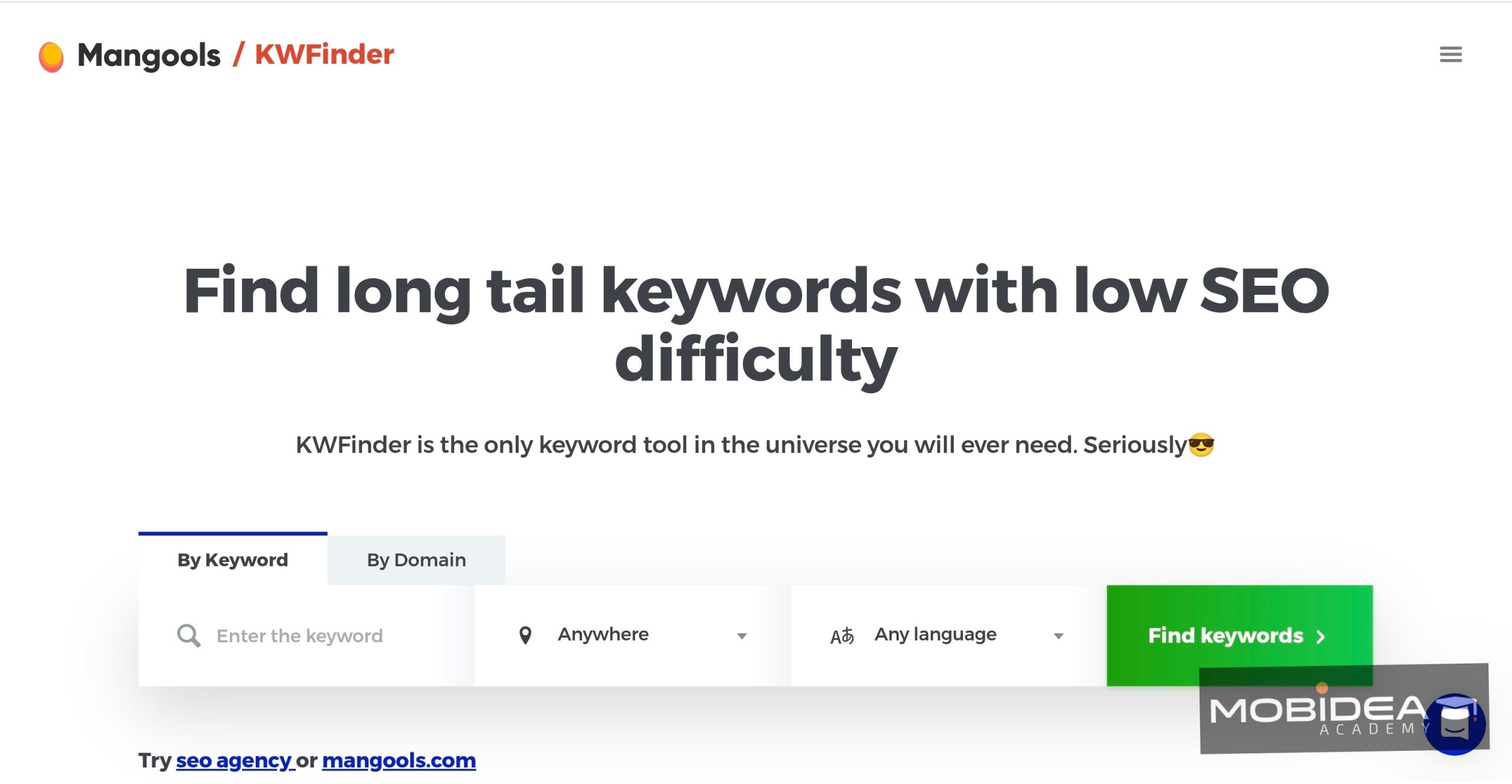
KWFinder, the popular keyword research tool from Mangools, is well-known for its user-friendly interface and strong features.
If you’ve ever tried your hand at keyword research, it is possible that the most common tools you’ve encountered are this one (KWFinder) and Google Keyword Tool.
KWFinder makes keyword research easy.
It gives accurate keyword difficulty scores. With it, you can find the best keywords with the right balance of searches and competition.
The tool also offers detailed SERP analysis.
This helps you understand top-ranking pages and your competition better.
Plus, KWFinder suggests localized keywords.
This is great for businesses targeting specific regions to boost their online presence.
You can search keywords based on a keyword phrase or a domain name (yours or your competitor’s).
Pricing
When it comes to paid plans, the price starts at $29 a month.
And yes, it has a 10-day free trial, plus a limited free account.
3. LowFruits
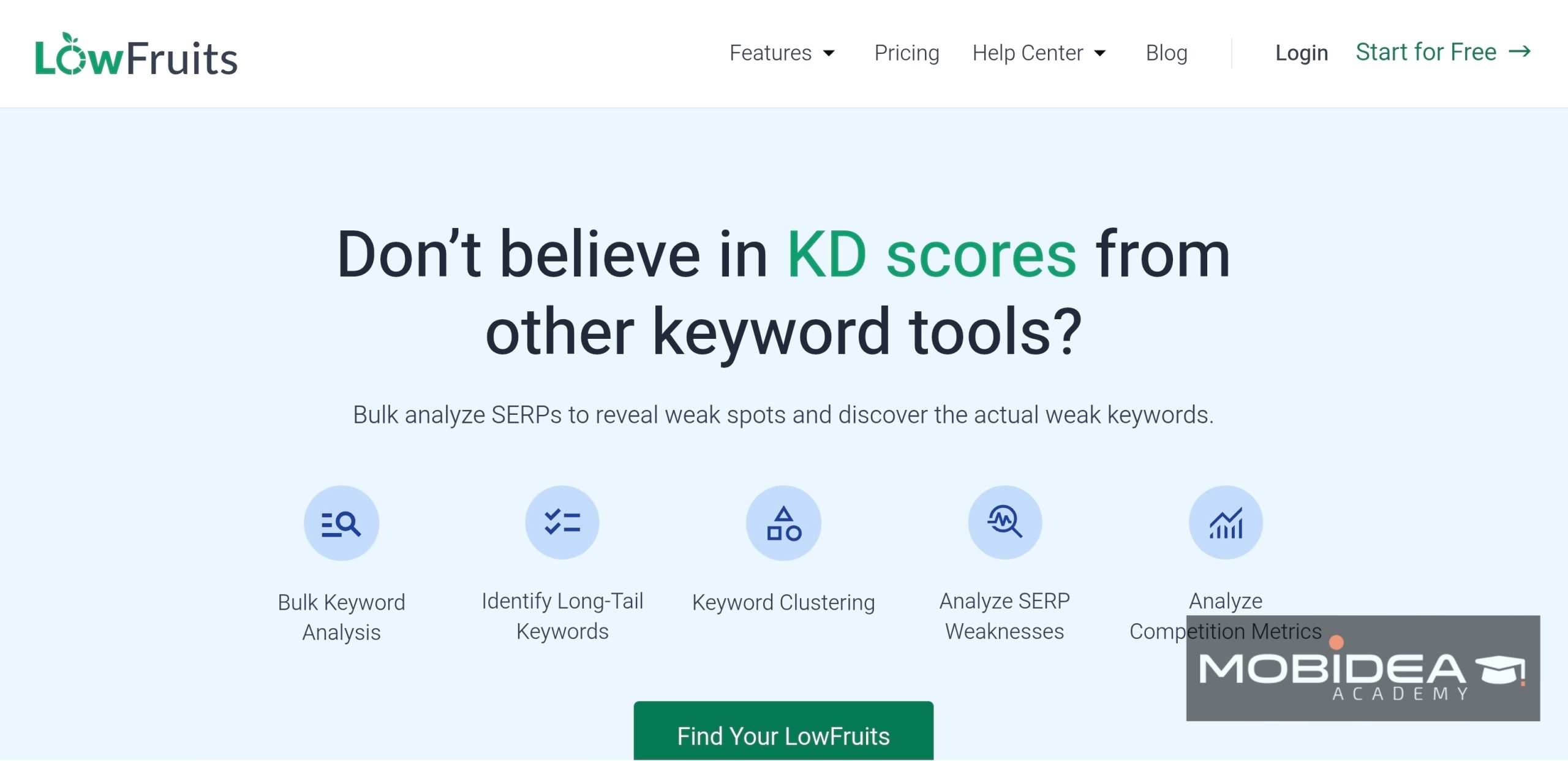
LowFruits is built for one job: finding keywords you can actually win.
You enter a seed keyword, and it checks the pages ranking on Google for weak spots.
A weak spot is a page-one result from a low-authority site.
By default, that means a domain authority under 20, and you can change the threshold.
Lots of weak spots on page one means you have a real shot.
Think of it as scouting a race before you run it. You see which competitors are slow before you line up.
Subscription plans also let you pull keywords from competitors’ pages and sitemaps.
Each keyword you analyze costs a credit, so only analyze the ones you care about.
My take: I recommend starting with the free credits or a small pay-as-you-go pack.
It’s an easy way to test whether the weak-spot approach fits your niche.
Pricing
Plans start at $29.90 a month.
Its free offer gives new users 10 credits, no credit card needed.
That’s enough to analyze 10 keywords.
4. Keysearch
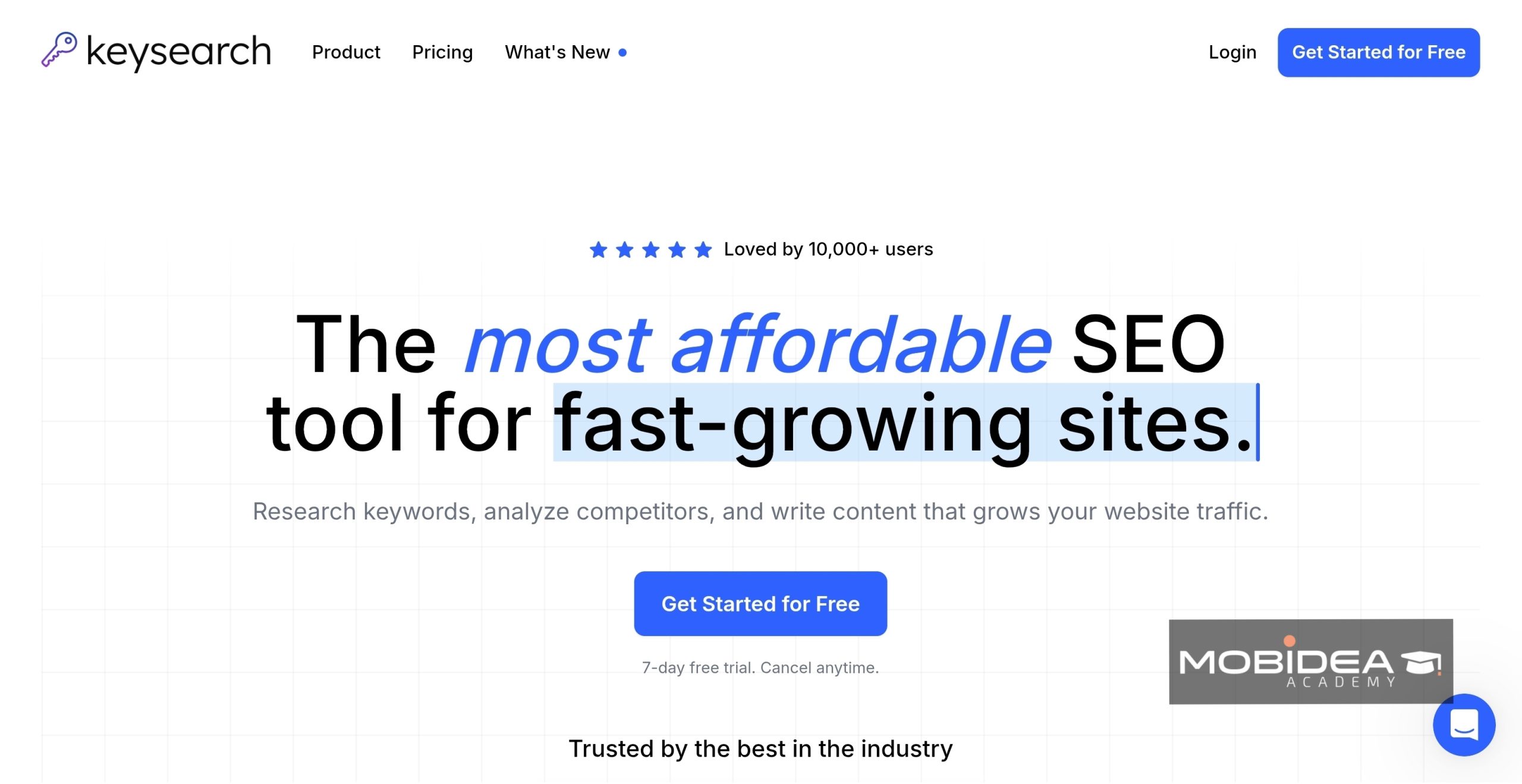
Keysearch is the budget all-rounder.
It packs keyword research and rank tracking into one low-cost plan.
Competitor checks and an AI content editor come with it.
Keyword lists come with search volume and CPC.
A color-coded difficulty score makes low-competition terms easy to spot.
The Quick Difficulty tool scores up to 50 keywords at once.
Think of it as a basic toolbox instead of a full workshop.
It has what you need for most jobs.
My advice: start with the 7-day trial and test it on your own niche.
Then check if Starter’s daily limits are enough for you.
Pricing
Plans start at $24 a month.
Its free trial lasts 7 days, but there’s no permanent free plan.
BONUS: Google Keyword Planner
Ok, so this is actually your unpaid option.
Who doesn’t know Google?
Among keyword research tools, Google Keyword Planner really stands out for its solid features and reliability.
One of the exceptional things about this tool is how it syncs up with Google Ads so that you can tap into a ton of data from the top search engine.
It gives you super precise keyword details, like search volume, competition levels, and cost-per-click, all right at your fingertips.
How precise? Because it’s from Google, it inherently receives the most updated data version from Google.
One downside is that you can’t rely on it to give you exact figures.
It always just provides a range.
Whether you’re doing SEO or running paid ads, this tool can surely serve you.
And Keyword Planner lives up to its name by throwing out related keywords every now and then, sparking new content ideas for you.
Content Optimization Tools
1. Clearscope
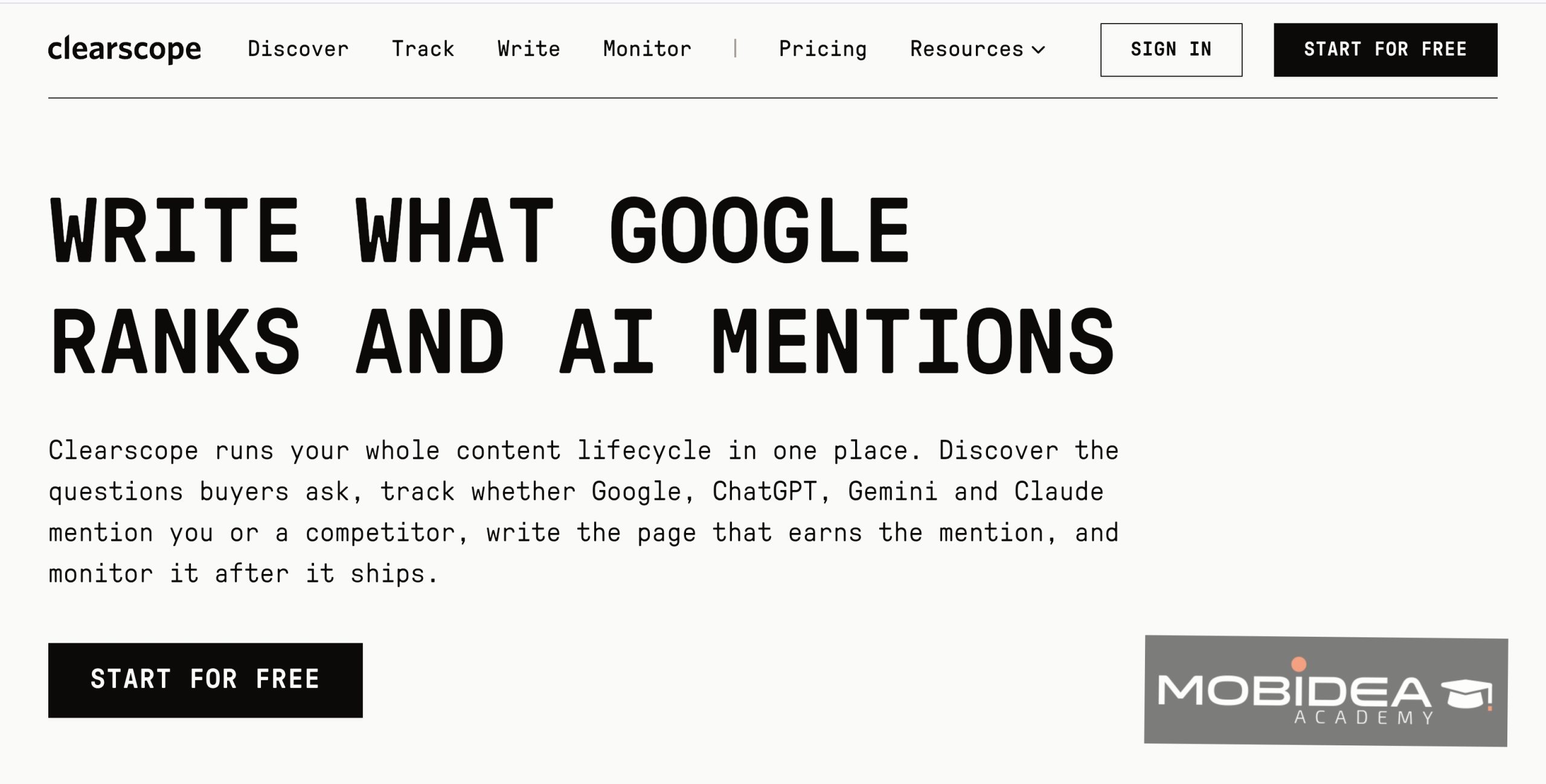
Clearscope is the tool that grades your content.
You paste in a draft, and it gives you a grade plus a list of terms to work in.
The grade goes up as you cover the topic better.
Think of it as a teacher marking your essay, with the missing points written in the margin.
It also tracks your published pages in a Content Inventory, so you can spot posts that are slipping.
My take: Clearscope is great when you publish a few high-value pages and want them polished. It’s a stretch for a solo affiliate on a tight budget.
Pricing
When it comes to paid plans, the price starts at $129 a month.
And yes, it has a 14-day free trial, though there’s no free plan.
2. Frase
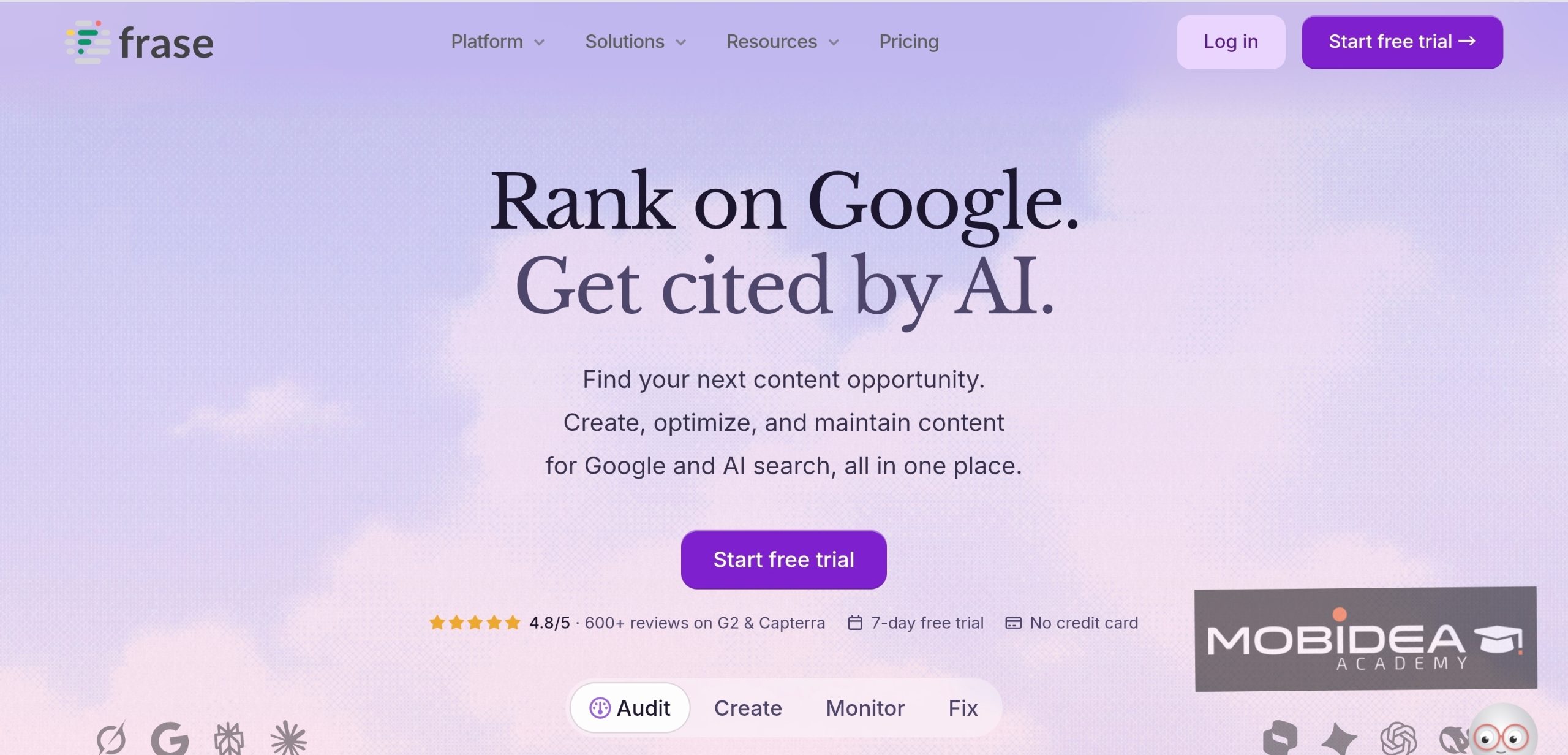
Frase starts earlier in the process.
You enter a keyword, and it studies the top results and builds a content brief for you.
Then you write and optimize in the same editor.
For comparison posts, that brief is a big help.
You see which headings and questions the top pages cover.
Frase also gives your content a separate score for how likely AI tools such as ChatGPT and Perplexity are to cite it.
My take: I’d pick Frase if you want briefs and drafts in one place.
Its optimization scoring is lighter than Clearscope’s, so don’t expect the same depth.
Pricing
Plans start at $49 a month.
You can try it with a 7-day free trial, but there’s no free plan.
3. NeuronWriter
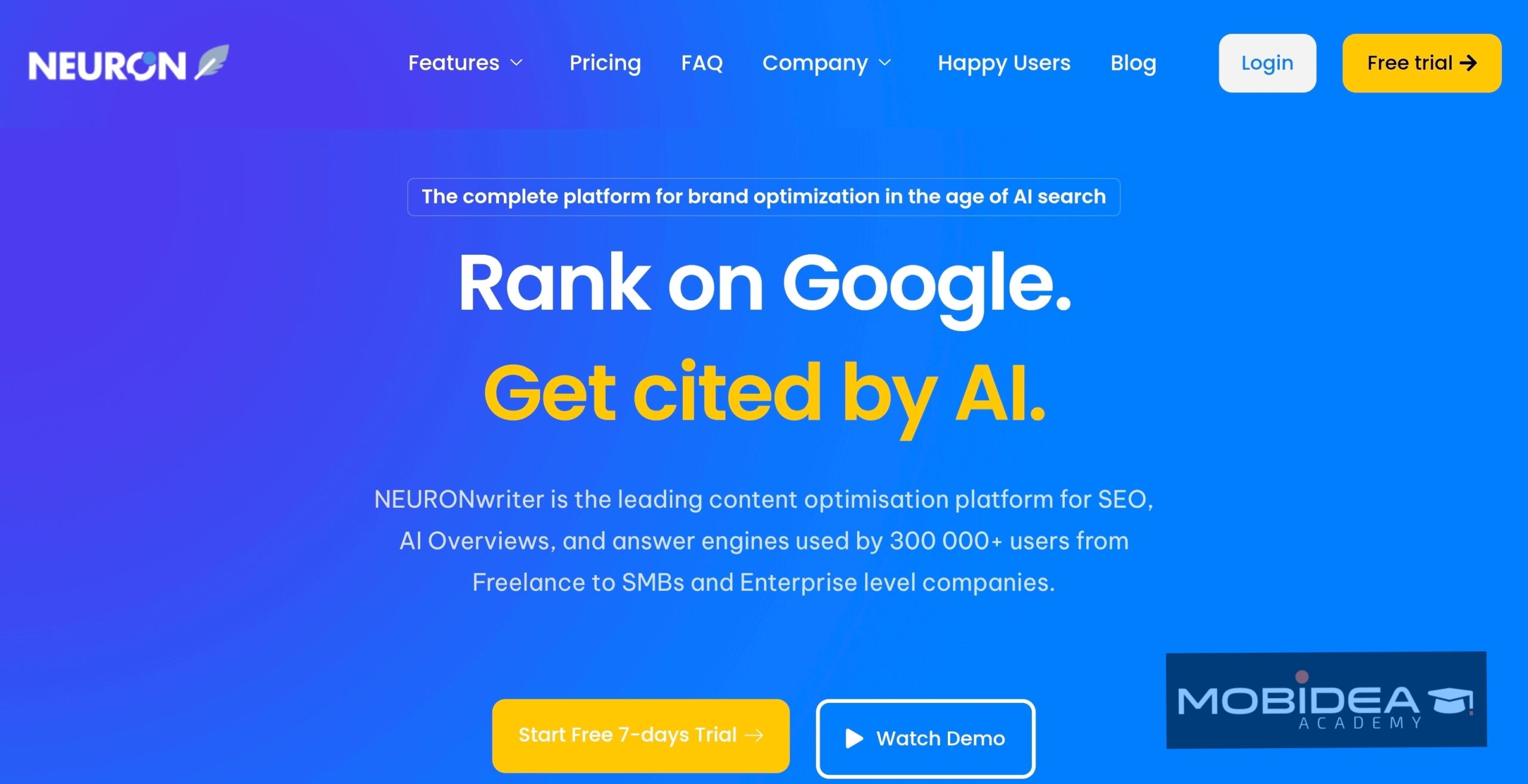
NeuronWriter is the budget pick. It does the same core job: it checks your draft against the top results and suggests terms to add.
It supports 170+ languages.
That’s handy if you target more than one geo.
On Gold plans and up, the Content Designer builds a full draft from your outline.
My take: I recommend starting with the Gold trial.
That’s the plan that unlocks the good stuff.
Pricing
Plans start at $23 a month.
Its Gold plan comes with a 7-day free trial.
4. MarketMuse
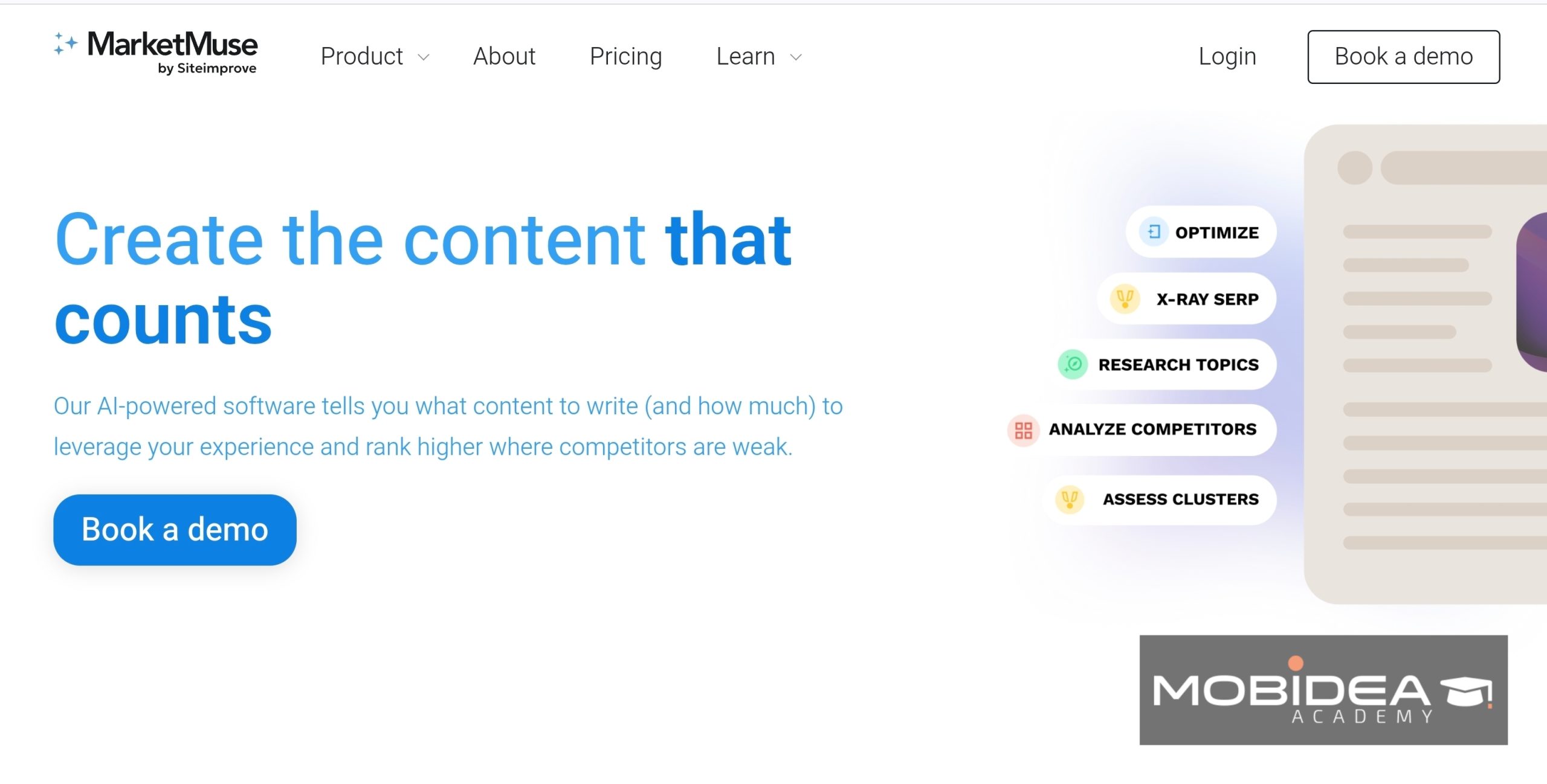
MarketMuse works one level up.
Instead of grading a single draft, it looks at your whole site and tells you which topics to cover next.
Think of it as a city planner for your content.
Other tools fix one building at a time.
It offers nine brief types, including one for product reviews.
That one suits affiliates well.
Here’s the thing: it’s a strategy tool, not a writing tool.
You still write the pages yourself.
Pricing
Paid plans start at $99 a month.
It also has a free plan that gives you 1 user and 10 queries a month.
Seo Audit Tools
1. SurferSEO
When it comes to creating killer content, SurferSEO is a go-to choice for many marketers.
Their toolkit is packed with handy features that make On-Page audits so easy.
Take the Content Editor, for example.
It not only gives you keyword suggestions on the spot but also guides you on the ideal content length and structure.
This boosts your content’s performance.
It’s like having an SEO buddy by your side.
It ensures your content stays updated with the latest trends.
The SERP Analyzer tool lets you peek into your competitors’ strategies.
You can spot what’s helping them rank higher.
With these insights, you can fine-tune your SEO strategy and outshine the competition.
For Off-Page SEO, use SurferSEO’s backlink tool.
This tool helps you keep a strong, credible link network.
It boosts your site’s authority and visibility.
Plus, their audit tool runs routine checks to catch and fix any hiccups that could affect your site’s performance.
This guarantees a smooth user experience and top-notch search engine rankings.
Pricing
Plans start at $89 a month.
Its 7-day money-back guarantee takes the place of a free trial.
2. SEOptimer
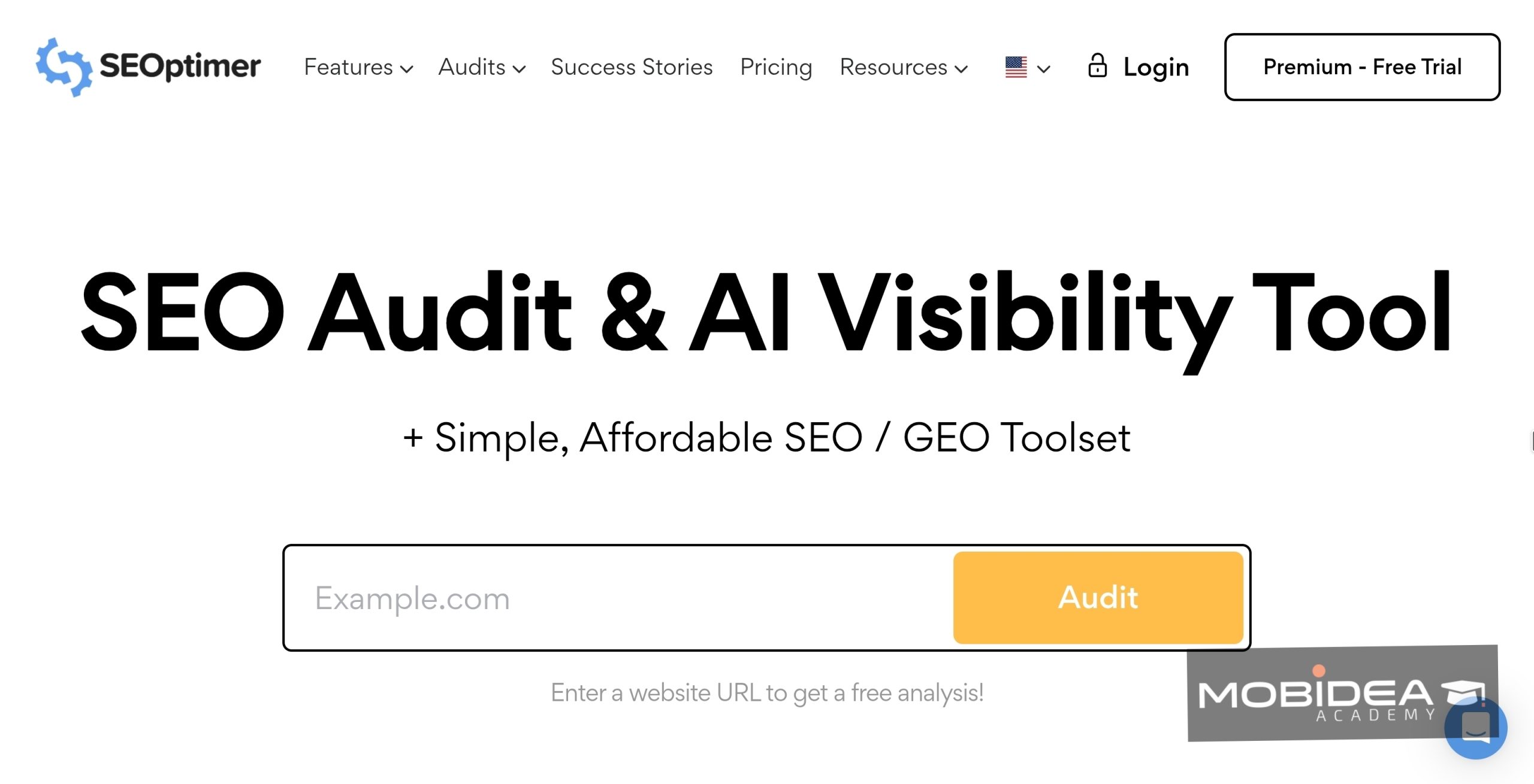
SEOptimer really shines as a multi-function tool that covers all the bases for SEO Auditing.
It gives you a detailed insight into your website’s SEO health and serves up practical tips to boost performance.
When it comes to on-page SEO, SEOptimer dives into important areas.
It checks meta tags and page speed.
These insights are crucial as they help optimize your site.
Great for SEO beginners, SEOptimer simplifies complex ideas.
It breaks them into easy tasks. This is perfect for those just starting out.
SEOptimer doesn’t stop there.
It also tackles off-page SEO by analyzing your backlink profile.
Then, it offers strategies to boost your domain authority with smart link-building.
Its user-friendly interface caters to all skill levels, so whether you’re just starting out or an expert, you can make the most of its features.
And the cherry on top?
SEOptimer includes a white-label reporting feature, ideal for agencies with many clients.
Pricing
Plans start at $19 a month.
It has a 14-day free trial, but you’ll need a credit card to start it.
3. Screaming Frog SEO Spider
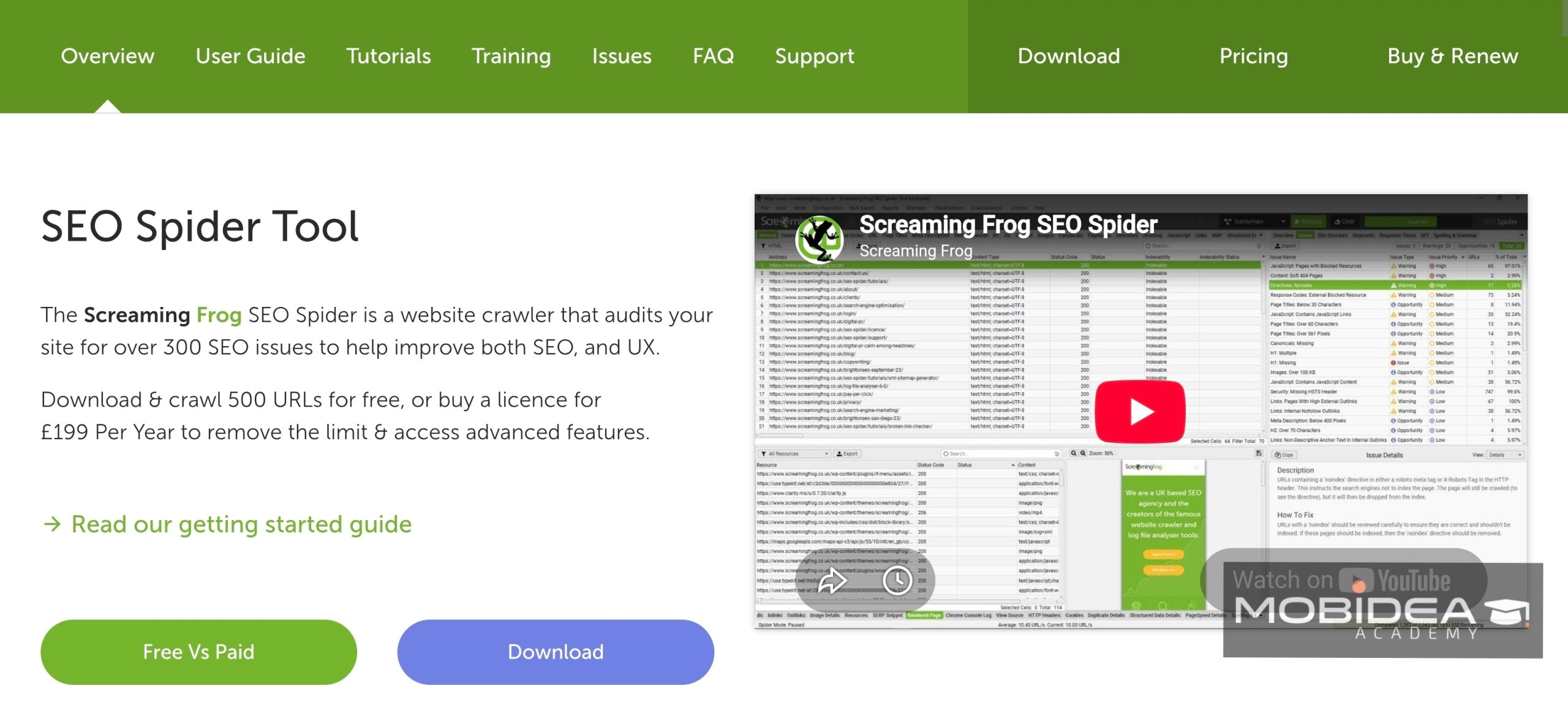
Screaming Frog SEO Spider is a highly effective website crawler that it has become a favorite among SEO experts.
It’s great at finding all sorts of technical SEO issues.
The tool does thorough site audits, checks URLs carefully, and spots broken links accurately, all to boost your on-page SEO game.
Plus, it zooms through big websites fast, giving you a full health report and tips for improvements.
For Off-Page SEO, Screaming Frog shines at finding backlinks and showing their impact on your site’s authority.
It pulls data and works well with other SEO tools for a full site check.
A standout feature is how it visualizes your site’s layout, making it easier to optimize internal links.
This helps improve user experience.
Pricing
The paid license costs $259 a year.
It has a free version that crawls up to 500 URLs.
It also covers the basics, like broken links, errors, and redirects.
4. Yoast SEO
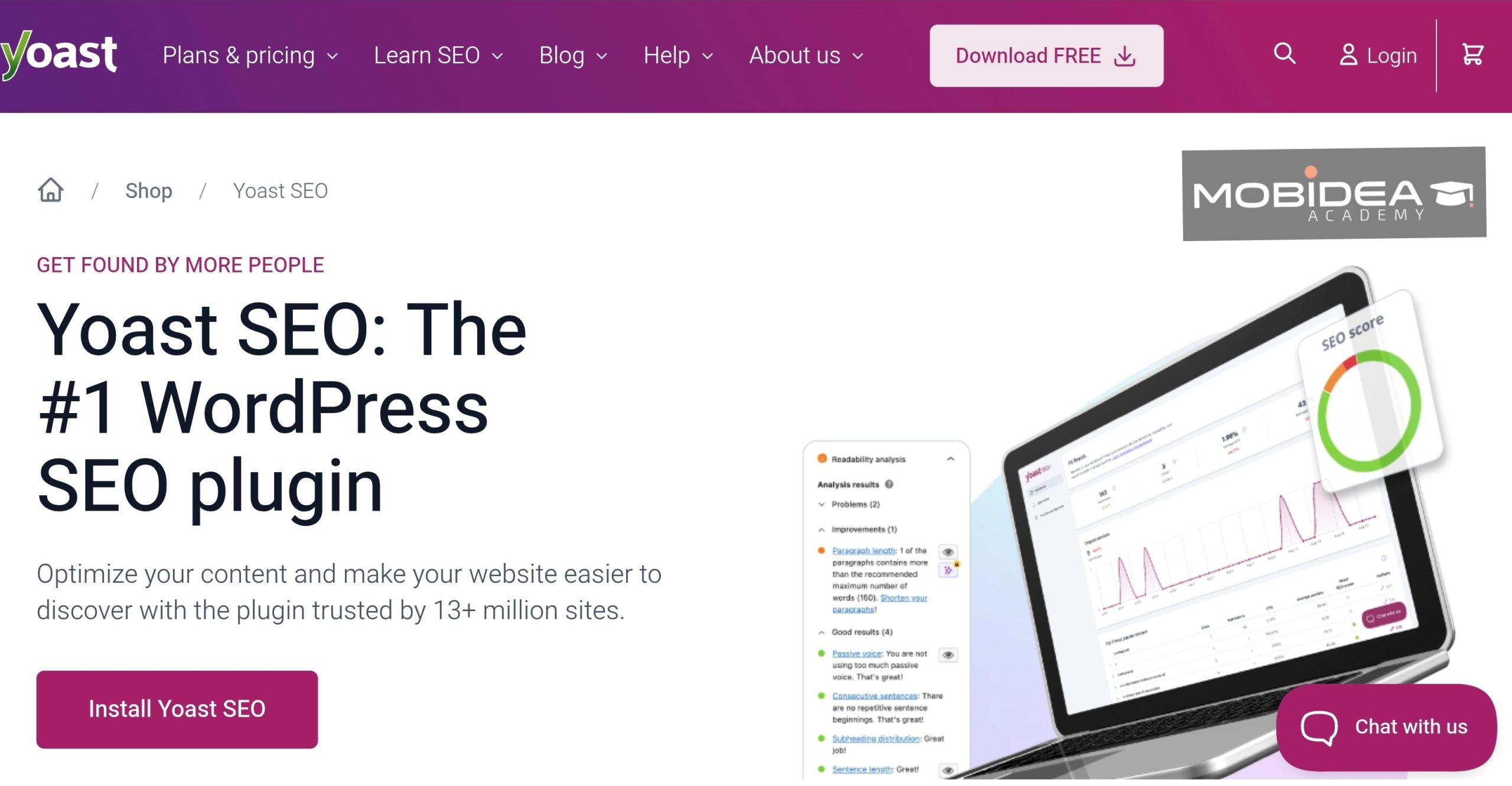
When it comes to WordPress, Yoast SEO really stands out as a top pick for optimizing your web content.
In fact, even total newbs in website publishing know about this tool because of the relative ease of gaining access to it.
It’s great at sprucing up your on-page stuff, which is super important for how well your site performs.
A cool thing about it is how it checks your content in real time for keywords and readability.
This not only helps your content get noticed by search engines but also makes it easy for your readers to dive in.
It’s always on top of the latest WordPress and search engine trends.
This dedication to staying in the loop means your SEO stays solid and adaptable.
While Yoast SEO excels at On-Page SEO, it does not feature an Off-Page audit capability.
Its primary focus lies in enhancing the content, meta tags, and readability of your web pages.
It ensures your content align well with search engine criteria.
YoastSEO’s strength is in refining the quality of individual web pages rather than evaluating external factors that influence site authority.
Pricing
Premium starts at $99 a year.
Its free version gives you one keyword per page and no AI features.
Site Speed and Core Web Vitals Tools
1. GTmetrix
GTmetrix is the easiest place to start. It runs your page through Lighthouse and shows a waterfall chart, so you can see which file slows things down.
It shows lab data and real-user data (from Chrome’s CrUX reports) side by side.
A free account lets you test from 7 locations around the world.
My take: I’d use the cheap Micro plan to monitor your highest-earning review.
One daily monitored slot is enough for that.
Pricing
Paid plans start at $5 a month.
Its free Basic account lets you test from 7 locations, monitor 1 page, and bulk test up to 10.
2. WebPageTest
WebPageTest is the one developers love.
Its reports go very deep, with filmstrips and videos of your page loading in real browsers.
Think of the free plan as a quick check-up and the reports as an X-ray.
You see exactly where each second goes.
I would advice that you start with the free Starter plan.
Move to Pro only when you need scheduled tests.
Pricing
When it comes to paid plans, the price starts at $180 a year.
And yes, it has a free Starter plan, which includes around 150 test runs a month and about 30 test locations.
3. DebugBear
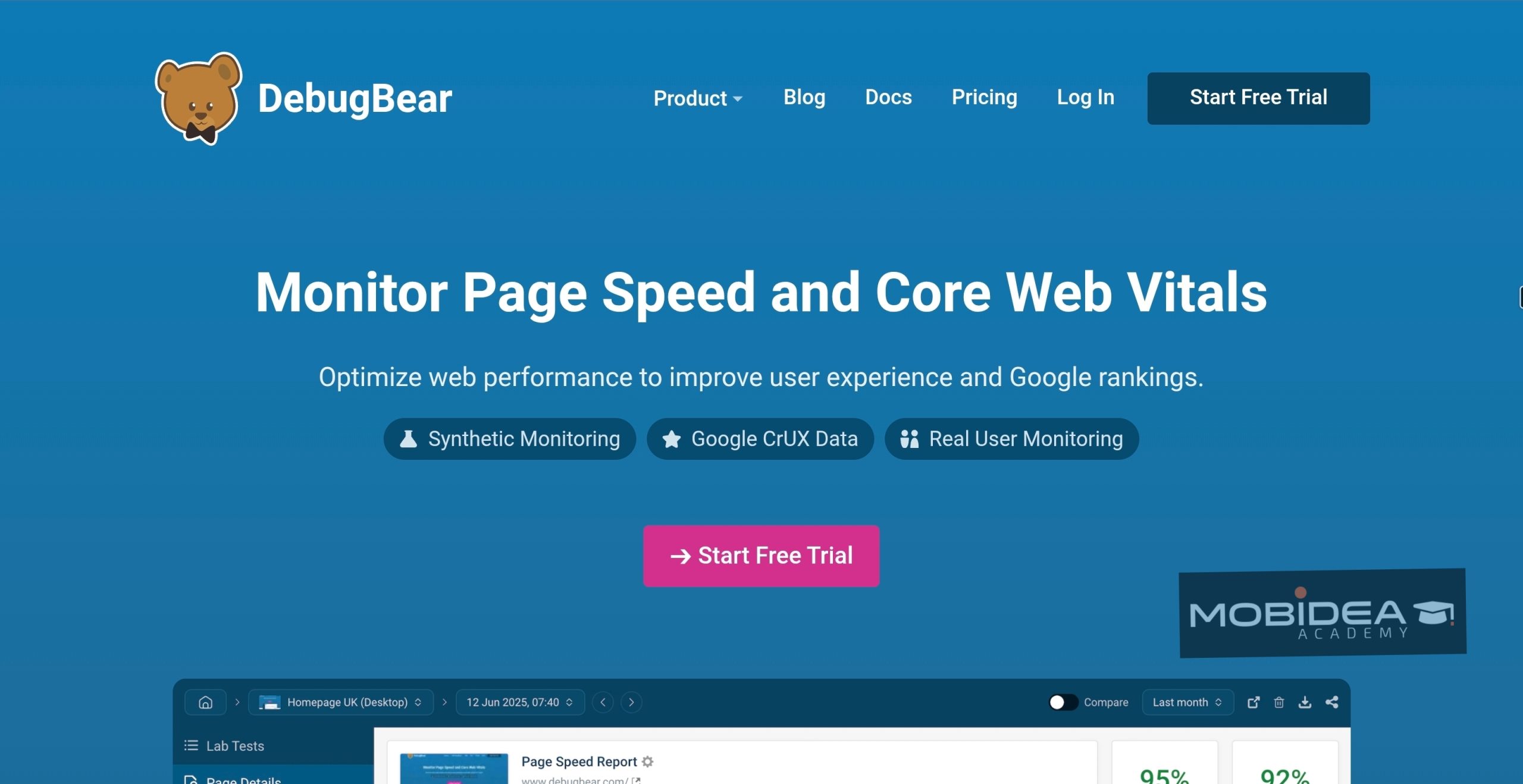
DebugBear focuses on Core Web Vitals.
It runs scheduled tests and collects real-user data, then alerts you when a change makes your pages slower.
Think of it as a security camera pointed at your page speed.
You don’t have to keep checking, because it tells you when something looks wrong.
It’s a great fit for teams.
I’d skip it if you run one small site.
Pricing
Entry plans start at roughly $49 a month.
Its free trial lasts 14 days, and you don’t need a credit card. There’s no free plan, though.
4. Pingdom
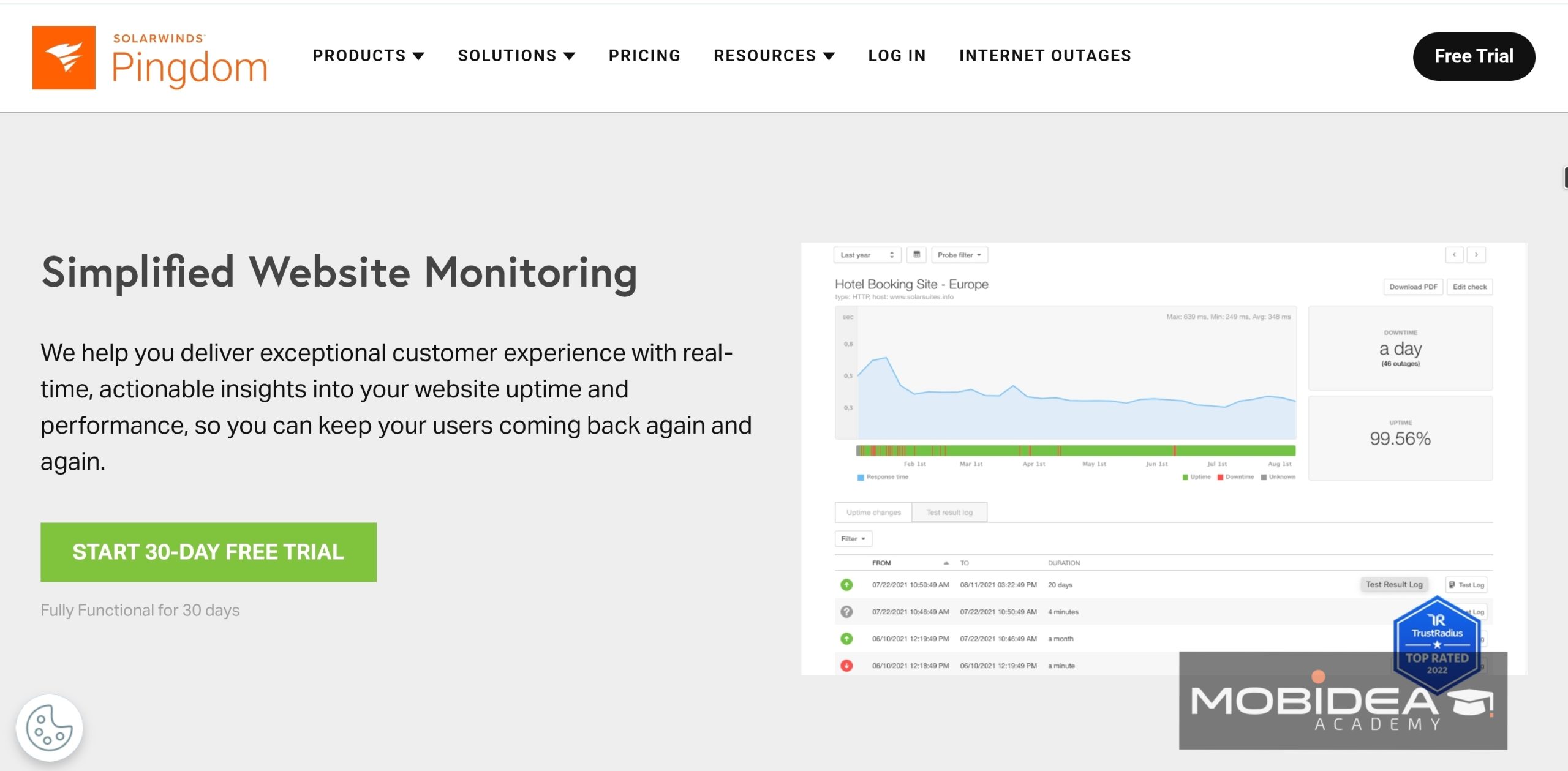
Pingdom started as an uptime checker, and it still shines there.
Uptime matters for affiliates because nobody clicks your link when your site is down.
It also checks page speed and offers real-user monitoring.
Public status pages are a nice extra.
Synthetic monitoring and real-user monitoring are sold as two separate products, though.
Pricing
When it comes to paid plans, the price starts at about $15 a month.
It has a 14-day free trial, which covers both synthetic monitoring and real-user monitoring.
There’s no permanent free plan.
Rank Trackers
1. SE Ranking
SE Ranking is a versatile SEO tool that includes a sturdy rank-tracking feature.
It gives daily updates on your website’s rankings across major search engines like Google, Bing, and Yahoo.
Its rank-tracking features are top-notch, making it a must-have tool for webmasters.
With it, you can keep a close eye on your website’s performance with ease.
You’ll always have the latest data at your fingertips.
Plus, its real-time monitoring lets you adjust strategies quickly.
The tool also includes a feature to track rankings based on different locations, devices, and search engines, giving you a holistic view of your SEO efforts’ effectiveness.
Webmasters love SE Ranking for its user-friendly interface.
Data is presented clearly, in an easily digestible format, with charts and graphs.
This makes them easy to understand.
You can also monitor competitors and gain insights into their strategies.
This helps you stay ahead in the SEO game.
Pricing
When it comes to paid plans, the price starts at $55 a month.
A 14-day free trial is available, and you don’t need a credit card to start it.
There’s no free plan.
2. Mangools SERPWatcher
Mangools SERPWatcher is a powerful tool that gives you daily updates on your rankings and tracks how your keywords are doing.
It shows the impact of your SEO efforts over time, which is great for showing your improvement (or decline, should it occur).
One of the key features of Mangools SERPWatcher is its “Dominance Index.”
This offers a clear view of your digital presence by summarizing your keyword performance.
Another big advantage is its detailed tracking.
You can segment data by device, location, and search engine.
This helps webmasters fine-tune their optimization strategies.
SERPWatcher also links with other Mangools tools like KWFinder and LinkMiner.
Together, they form a powerful suite for full SEO management.
It’s a must-have for anyone serious about boosting their site’s search engine visibility.
Pricing
SERPWatcher comes with every Mangools plan, and the cheapest one starts at $29 a month.
You can try it with a 10-day free trial.
3. Moz Rank Checker
Moz’s Rank Checker tool is part of a broad list of SEO tools by Moz, particularly designed to give you detailed insights into your website’s ranking.
This tool allows you to monitor keyword performance over time, providing you with a comprehensive view of your SEO progress.
This Rank Checker has many features.
It tracks keyword rankings across multiple search engines.
It also looks at local and mobile rankings, and has SERP features.
This helps you see how keywords perform globally and locally.
You can check performance on different devices, too, making key for localized SEO strategies.
Moz’s Rank Checker works well with other Moz tools.
This creates a strong ecosystem for your SEO management.
You get features like Keyword Explorer and Link Explorer, all in one place.
Moz Rank Checker also gives you historical data.
This helps you analyze trends and make smart decisions based on past performance.
Finally, Moz provides customizable reports.
You can format data to fit your needs, whether for clients or internal teams.
Pricing
When it comes to paid plans, the price starts at $49 a month.
They have a 7-day free trial on the Standard and Medium plans.
You can also use a free Moz account, which gives you limited access to Keyword Explorer and Link Explorer.
Backlink Tools and Checkers
1. Majestic
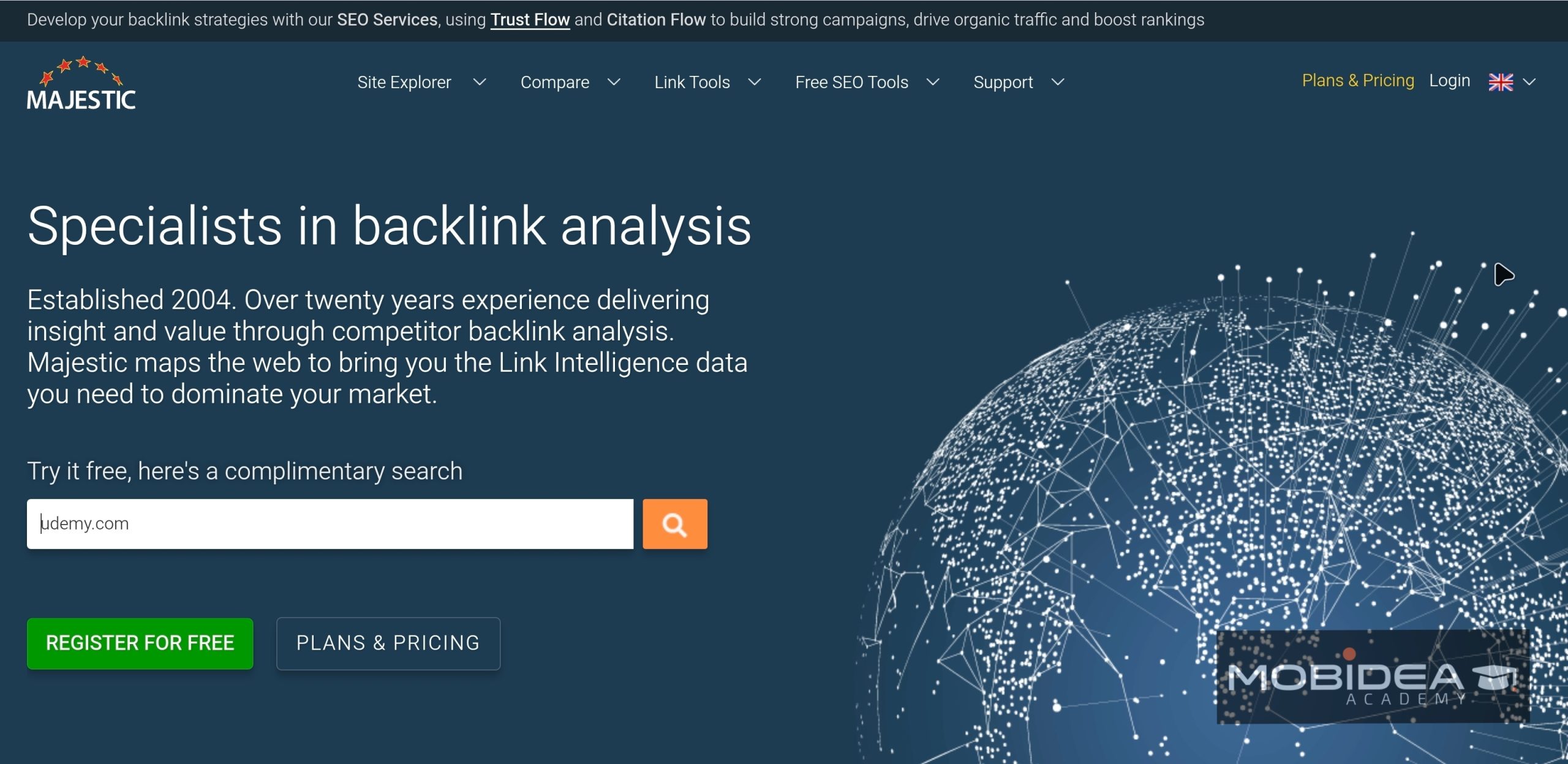
Majestic does one thing: backlinks.
And it does it really well.
Its two signature scores are Trust Flow and Citation Flow.
Think of Trust Flow as a reference letter from a respected boss, and Citation Flow as how many people know your name.
A big gap between the two often points to spammy links.
Majestic also has a Historic Index.
This feature and a tool called Clique Hunter come with the Pro plan, not Lite.
Use it to see how a site’s links grew over time.
It’s handy when you’re checking an expired domain or studying a competitor.
Majestic works best if you already know your way around link data.
Beginners may find the metrics confusing at first.
Pricing
Plans start at $49.99 a month.
It has a free plan that includes the Majestic Million, browser plugins, and a Site Explorer preview.
2. SEO SpyGlass
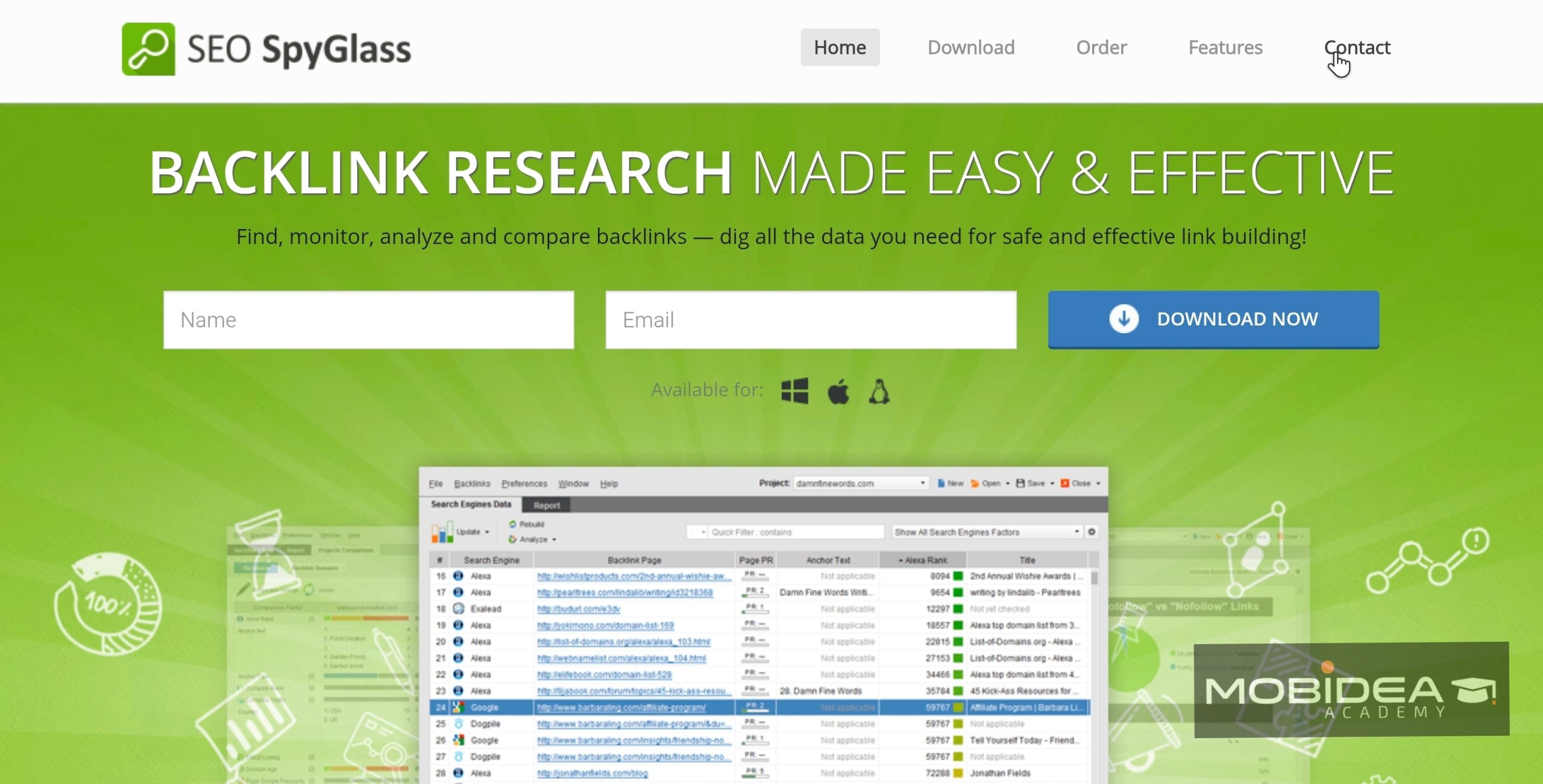
Most tools on this list run in your browser, but SEO SpyGlass runs on your computer.
It’s the backlink tool inside SEO PowerSuite, a desktop toolkit with four tools.
The yearly pricing feels like a bus pass instead of paying for every ride.
It helps you spot toxic links, compare your profile with your competitors’, and find new link opportunities.
It works on Windows, Linux, and Mac.
We recommend starting with the free version.
It’s enough to tell if you like working on the desktop.
Pricing
When it comes to paid plans, the price starts at $349 a year.
Its free version analyzes up to 1,100 backlinks and one competitor per project.
3. Ubersuggest
Ubersuggest is a friendly place to start if backlinks are new to you.
It’s Neil Patel’s SEO tool, and the dashboard is simple, with a short learning curve.
You can watch your backlink growth and spot toxic links that may hurt your rankings.
The free checker is great for quick looks.
You get one free check a day with up to 100 backlinks, and no account is needed.
I recommend using a free checker like this to size up a competitor before you pay for anything.
Pricing
Plans start at $29 a month.
There’s a free plan, but it allows only 3 searches a day, and its free backlink checker lets you run one check a day with up to 100 backlinks.
4. Linkody
Ever lose a backlink and only notice weeks later?
Linkody is built to stop that.
Think of it as a smoke alarm for your links.
It checks your backlinks around the clock and alerts you if a link is removed or changed.
You also get email reports.
That’s a big deal if you buy guest posts or run link-building campaigns. Y
ou’ll know right away when a link disappears or turns nofollow (sneaky, right?).
Making a disavow file is easy too.
You can also track your competitors’ backlink strategies to find new opportunities.
Agencies get white-label reports for clients.
Pricing
When it comes to paid plans, the price starts at $14.90 a month.
And yes, it has a 30-day free trial that doesn’t need a credit card.
Everything is included except CSV and PDF export.
5. Backlink Pilot
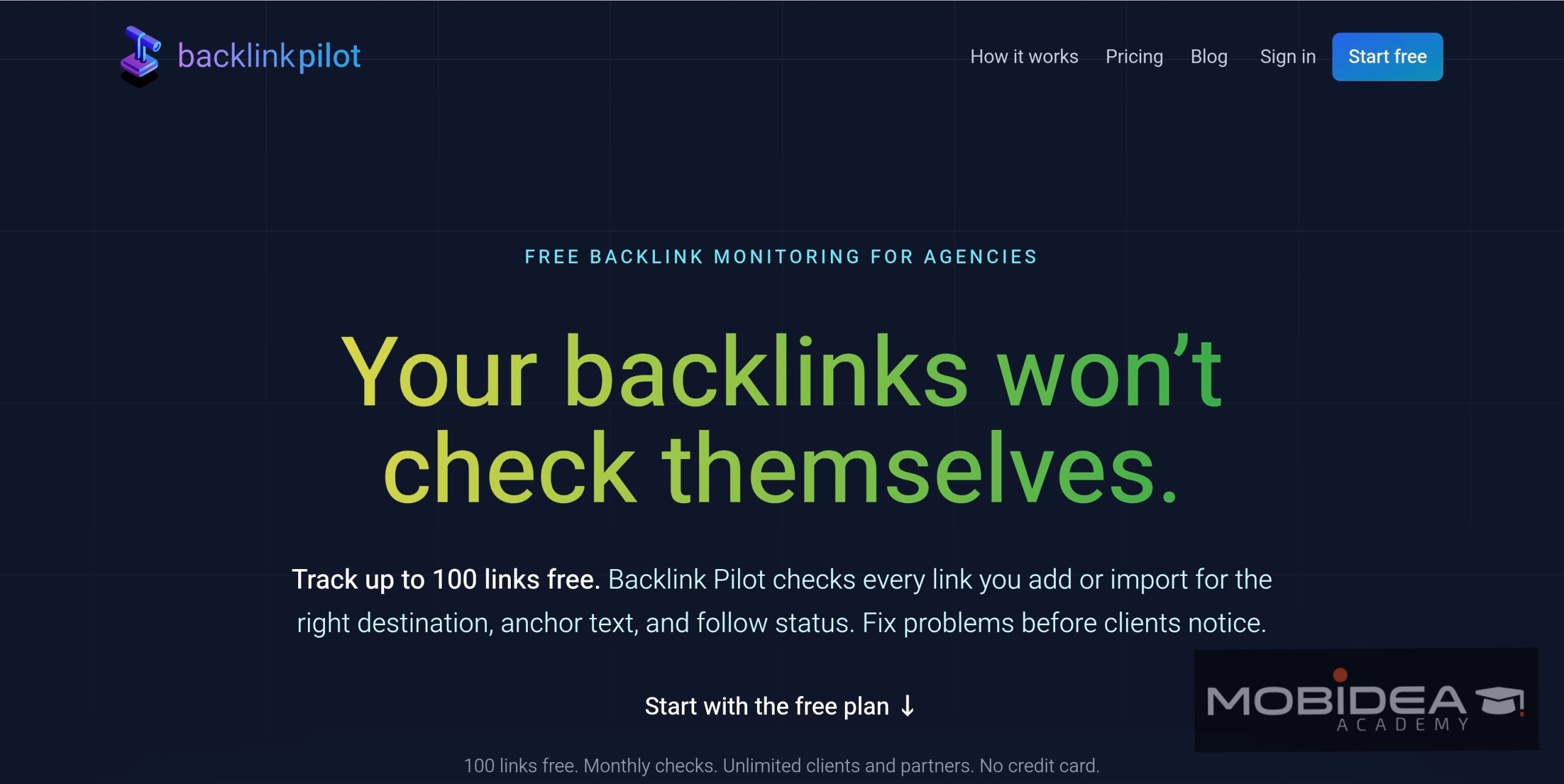
If your backlinks live in a messy spreadsheet, Backlink Pilot is the fix.
You add or import your links and group them by client and partner.
The tool then keeps checking that each one is still live.
It also checks the destination URL and anchor text, and it catches follow status changes.
It tracks links you received and links you gave, which helps if you do link exchanges.
The catch: it has no backlink discovery or competitor analysis, so pair it with a research tool.
Pricing
Paid plans start at $50 a month.
It has a free plan that allows you to check 500 backlinks a month.
It includes unlimited clients and partners, and you can even use it without a credit card.
That’s a Wrap!
In today’s competitive digital landscape, you can’t move forward without using SEO tools.
The tools we’ve explored each offer unique features and benefits designed to optimize your SEO efforts.
For webmasters and publishers, using a tool or two is SEO 101.
But why settle for just a slice when you can have the whole pie?
By staying informed and tweaking your strategies with real-time data, you’ll be a savvy navigator in the ever-evolving SEO cosmos.
So, keep playing detective and experimenting with these nifty tools to rocket your website to the top of the SERPs!
Frequently Asked Questions on Paid SEO Tools
How to choose the best paid SEO tool?
Start by listing your goals, then pick the tool whose features match them.
Run the free trial on one of your real money pages, and check the site and keyword limits if you run several sites.
For more tips, read our SEO for Affiliate Marketers guide.
Are paid SEO tools worth it for affiliate marketers?
Yes they are, since they pay for themselves if you use them wisely.
If improving a single page brings in enough extra commissions to cover the cost, it’s worth it.
How many paid SEO tools do I actually need?
Most affiliates do fine with one or two tools.
You don’t need every wrench in the toolbox on day one.
An all-in-one suite saves time across niche sites, while a specialist tool can give deeper data or cost less.
Can I just use free SEO tools instead?
Yes, at least at the start.
Google Analytics 4 and Google Search Console cost nothing, and many paid tools even have free versions.
Upgrade to a paid once you hit their limits or once you’ve seen some results.
What’s the best paid SEO tool for beginners?
Semrush and SERanking are two solid picks.
On a tighter budget, try Keysearch or SEOptimer, which are simpler and cost less.
Do paid SEO tools offer free trials or discounts?
Most do, and trials run anywhere from 5 to 30 days.
We have exclusive discounts for some brands above, check them out!
Which SEO tools should affiliates set up first?
Start with analytics and attribution, so you know which pages actually earn.
Then add keyword research, and filter for buyer words like “best,” “review,” “vs,” and “alternative.”
Our SEO for Affiliate Marketers guide breaks down every tool type and what’s the purpose of each.
How do I know which pages earn me money?
Add a unique sub ID to the affiliate links on each page, then match your clicks with your network’s commissions.
Tools like Affilimate and WeCanTrack can do the matching for you.
Do I need to mark affiliate links as sponsored or nofollow?
Yes, mark them with rel=“sponsored,” which is what Google recommends for affiliate links.
Add a clear disclosure near them too.
Link management tools like ThirstyAffiliates, Lasso, and Pretty Links can add the tags for you.
Do SEO tools guarantee rankings?
No, they only give you data and suggestions.
You still have to publish helpful content, and even a perfect content score won’t save a review nobody actually tested.
How long until I see results?
It usually takes months, and some pages never rank at all.
For a closer look at timelines, read How Long Does It Take to Rank in Google Top 10.
Do these tools work for non-US or non-English markets?
Sometimes, but keyword data is often thinner outside the biggest markets.
Test the numbers for your geo first before you commit.


Understand which are the 11 SEO trends and predictions to keep an eye on in 2018 and improve your performance in the game!

Are you curious to know which SEO trends you should follow in 2022? Check the top SEO trends and start aplying them to your website.

Discover the top SEO trends for 2025 and learn how to boost rankings with AI tools, better UX, and local SEO. Stay ahead with practical tips and Semrush insights.