
The Kadam team walks us through KAI, their built-in AI agent. Let’s see what it can do and how it can help you better manage your campaigns.
Affiliate marketers work with a lot of different tasks at once — campaign data, creatives, traffic sources, bid adjustments, tracking configurations.
The more campaigns you have, the more time it takes to perform routine actions.
Kadam has been building AI tools around this workflow.
The company recently launched an MCP server that allows MCP compatible AI agents to connect to the platform and work with campaigns through common AI chats.
KAI extends that approach inside Kadam itself.
It is a built-in AI cat-agent that accepts text and voice requests and helps users work with campaign data, settings, creatives, traffic sources, postback, API requests, and optimization directly through the platform interface.
For affiliate marketers and performance teams it makes managing campaigns easier: put up the task and get a quick response.
KAI will do everything by itself.
What Is KAI?
KAI is an AI assistant available as a widget within the Kadam interface.
It works with campaign data and platform functionality: statistics, creatives, traffic sources, bids, targeting, auto rules, postback, API requests, diagnostics, monitoring, optimization, and more.
KAI can deal with such questions as:
- Why is my campaign not getting impressions?
- Which sources spent budget without generating conversions?
- Which creatives got the highest CTR over the past seven days?
- How do I configure postback with my tracker?
- Can you help me to prepare a GET request for campaign statistics?
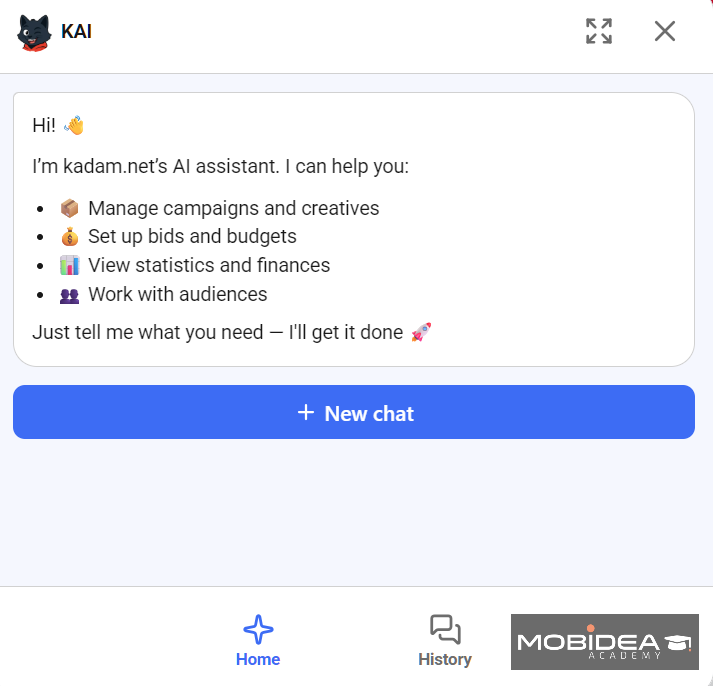
Campaign Setup With Text or Voice
KAI can help you to prepare and configure campaigns.
You can provide the ad format, GEO, budget, payment model, targeting requirements, and other campaign details through a conversation.
When a required parameter is missing, KAI can ask for more information before the setup is complete.
This can be useful for those who are new to Kadam and still learning how campaigns are structured.
Experienced users can use the same functionality to reduce the number of steps involved in account management.
Statistics Without Making Every Report Manually
KAI can provide campaign metrics for a selected period, including impressions, clicks, spend, conversions, CPA, and CTR.
You can ask for data sorted by:
- campaign;
- GEO;
- ad format;
- traffic source;
You can ask which GEO produced the lowest CPA, which source groups lost efficiency, or which creative generated the strongest CTR during the past week.
Faster Problems Detecting
A campaign may stop receiving traffic or deliver below expectations for several reasons.
The bid may be too low for the selected targeting.
The available audience may be limited.
A creative may still be under moderation.
Campaign settings may also restrict delivery.
Instead of checking each setting separately, you can simply ask KAI to find the likely cause.
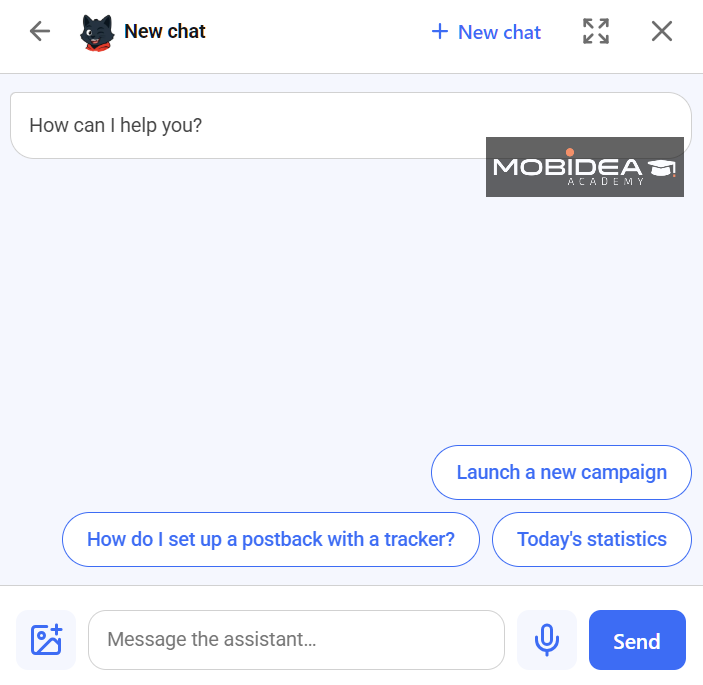
Finding Weak Sources
KAI can help to identify sources that spent budget without conversions, compare performance across ads, and highlight those with a high CPA or weak conversion rate.
KAI can also suggest improvements based on account data to help you make the final decision.
Changing Creatives and A/B Tests
KAI can compare creatives by metrics such as CTR, conversions, and CPA. It can also help users analyze A/B test results and decide where to go with further testing or scaling.
Monitoring Campaign Performance
KAI can monitor campaigns and highlight key metrics that need attention.
You can ask to focus on campaigns where CPA increased, or CTR declined, conversion volume changed, or spending got bigger than needed.
Postback and API Assistance
Tracking and reporting are also part of KAI’s functionality.
You can ask for help configuring postback with a tracker, understanding which parameters are required, or checking how a setup should work.
KAI can also assist with API-related tasks.
For example, it can help to prepare a GET request for campaign statistics.
Who Can Access KAI?
KAI is currently available both to Kadam advertisers and publishers.
Give it a try and share your feedback.


There are a whole lotta affiliate marketing myths out there! Check them right now and avoid being a sucker in affiliate marketing!

Mobidea interviewed iAmAttila and he talked about the dynamic nature of affiliate marketing, the boom of E-Commerce and his next big enterprise!

Ready to understand what 6WAMC's awesome Media Buying Webinar was all about? Check the video and read our expert commentary!